Arrears and suspension letters
See who is behind on dues, who is delinquent, and who is due a suspension letter, and record the letters once they go out.
What arrears are
A member is in arrears from the day one of their dues bills passes its due date and is still unpaid. They stay in arrears until every overdue dues bill is paid; the date shown is the due date of the oldest one still owing.
A member is delinquent once they have been in arrears for as many whole months as your local's rules say. Delinquency is what most constitutions hang a suspension on, which is why it is counted separately and dated.
The suspension letter is the notice the local sends before it acts. Your local sets how many months in arrears make one due; until then nobody is listed. A letter recorded as sent takes the member off the list until a new spell of arrears begins, so a member who pays off, falls behind again, and stays behind will be listed again.
None of this is worked out while you watch. A bill falling overdue is not something anybody does, so a check runs once a night, rebuilds the accounts the calendar may have moved, and marks the new delinquencies. The foot of the list says when it last ran.
Open the arrears list
Click Arrears in the Dues group of the sidebar. Everyone who can see dues can open it. Staff limited to certain employers see only their own members, here and in the letters below.
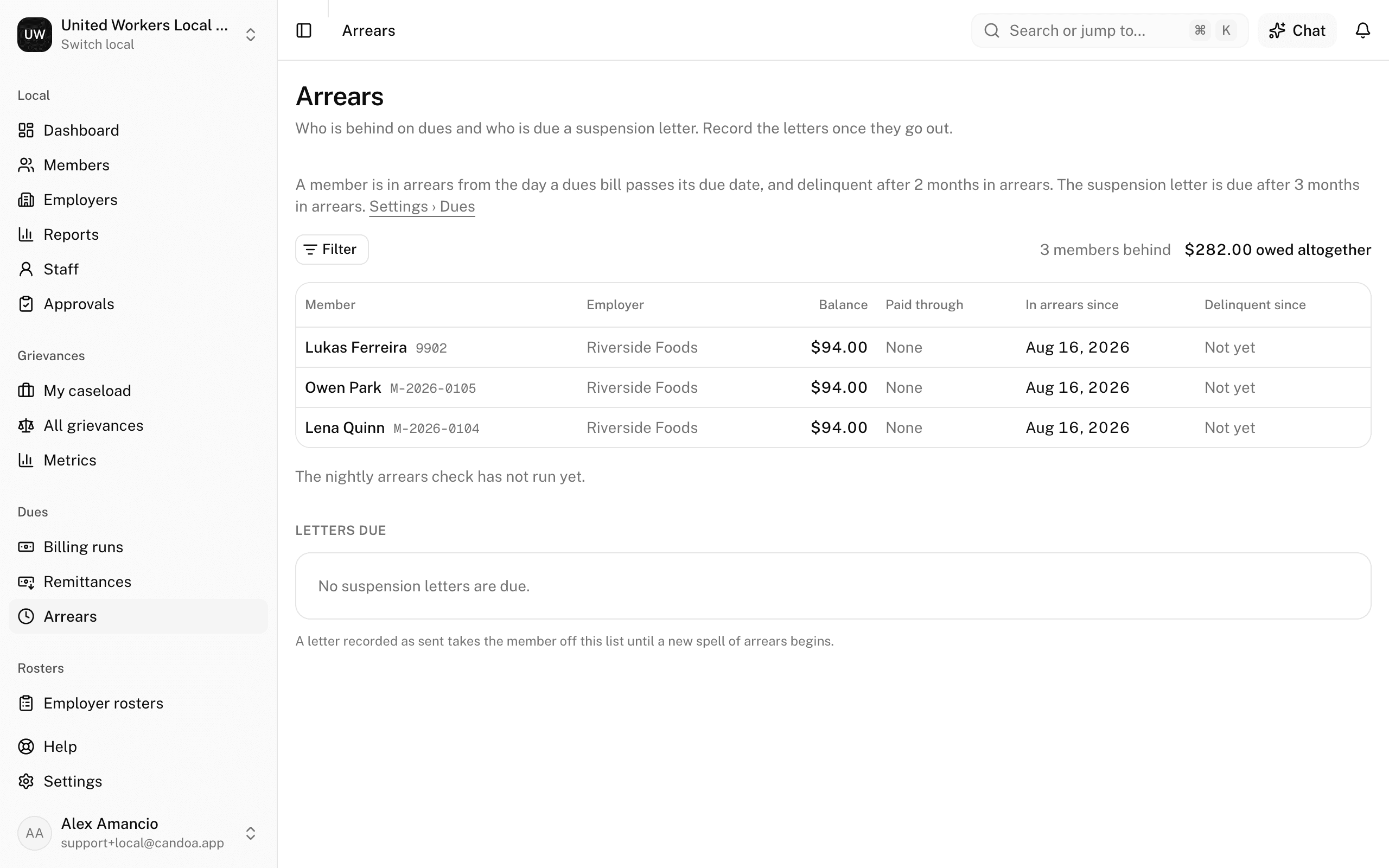
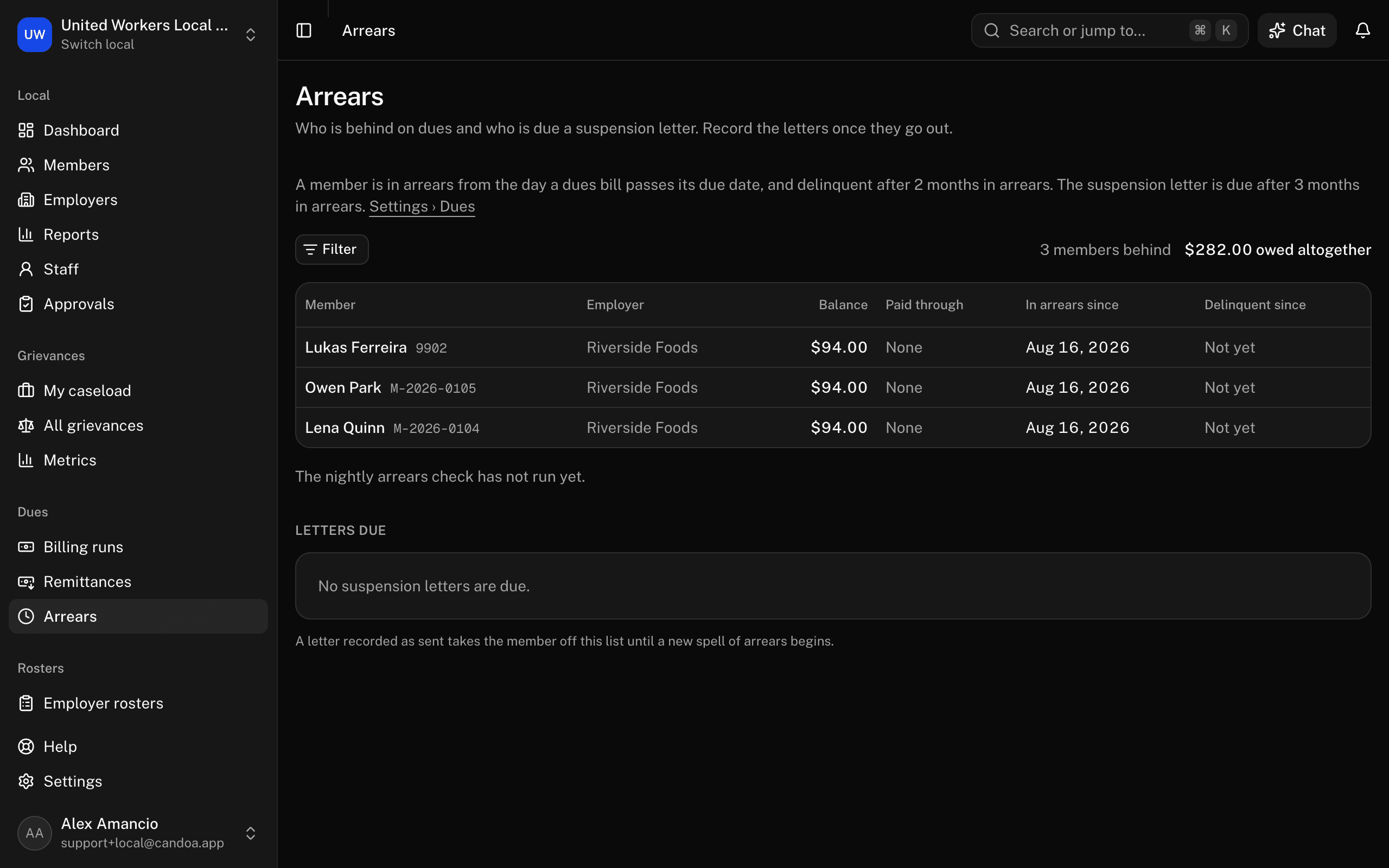
The line under the heading says how your local's thresholds decide who is listed, and links to Settings › Dues where the months are set.
Read the list
Longest behind first, one row per member:
- Member, with their member number. The name opens their Dues tab.
- Employer, with the worksite when they have one.
- Balance, what they owe altogether.
- Paid through, the last dues period they paid in full.
- In arrears since, the due date of the oldest unpaid dues bill.
- Delinquent since, in red, or Not yet for a member who is behind but not delinquent.
Beside the filters, the count of members behind and what they owe together. Page at the foot moves through the list fifty at a time.
Narrow the list
- Press Filter, then Add a condition.
- Pick any field the members list offers — Employer, Worksite, Dues class, Status, Full/part-time, Tags, and your local's own fields — then the condition and the value.
- Clear removes every condition.
The conditions live in the address, so a filtered list can be bookmarked or pasted to somebody else.
Record that the suspension letters went out
Letters due lists the members your local's rules say should get the letter now: in arrears long enough, still active or on leave, and without a letter for this spell of arrears. Each line shows the member, their number, since when they have been in arrears, and what they owe.
- Send the letters however your local sends them.
- Tick the members whose letter went out, or tick the box at the top of the list to take them all.
- Press Mark letters sent. The button says how many are ticked.
Candoa records the date and who recorded it, and those members leave the list. Needs the right to post dues: owners, admins, and office staff have it. Someone limited to certain employers marks only the members they can open; the rest are left as they were, and Candoa says how many it recorded.
If the section says your local sends no suspension letters, set the months under Settings › Dues and members will be listed here once they pass it.
Why a member is not listed
- They are paid up as of the last nightly check.
- The check has not run since the bill fell due; it runs once a day.
- Their status is not Active or On leave, so they cannot be suspended.
- Their letter for this spell of arrears is already recorded as sent.
These pages are the help for Candoa, the software a local runs its members, employers, and grievances on.
Set up your localUpdated 2026-09-15