Filing a grievance
The New grievance form, field by field, and what happens when it's filed.
Press New grievance on a case list, press f then g anywhere, or choose File a grievance in the ⋯ menu on a member's record to start with them as the grievant.
Let Eli draft it
Tell Eli what happened, in your words or a steward's, and drop in the discipline letter or a photo of it if you have one: "Draft a grievance for Darnell Brooks, written up for lateness on the 12th, we want the write-up removed." Eli finds the member, takes the employer from their job, looks up the article in that employer's contract, and shows a Grievance draft card. Open the filing opens this form with every field filled in and editable; the letter attaches to the case when you file it. Nothing is filed until you press File here.
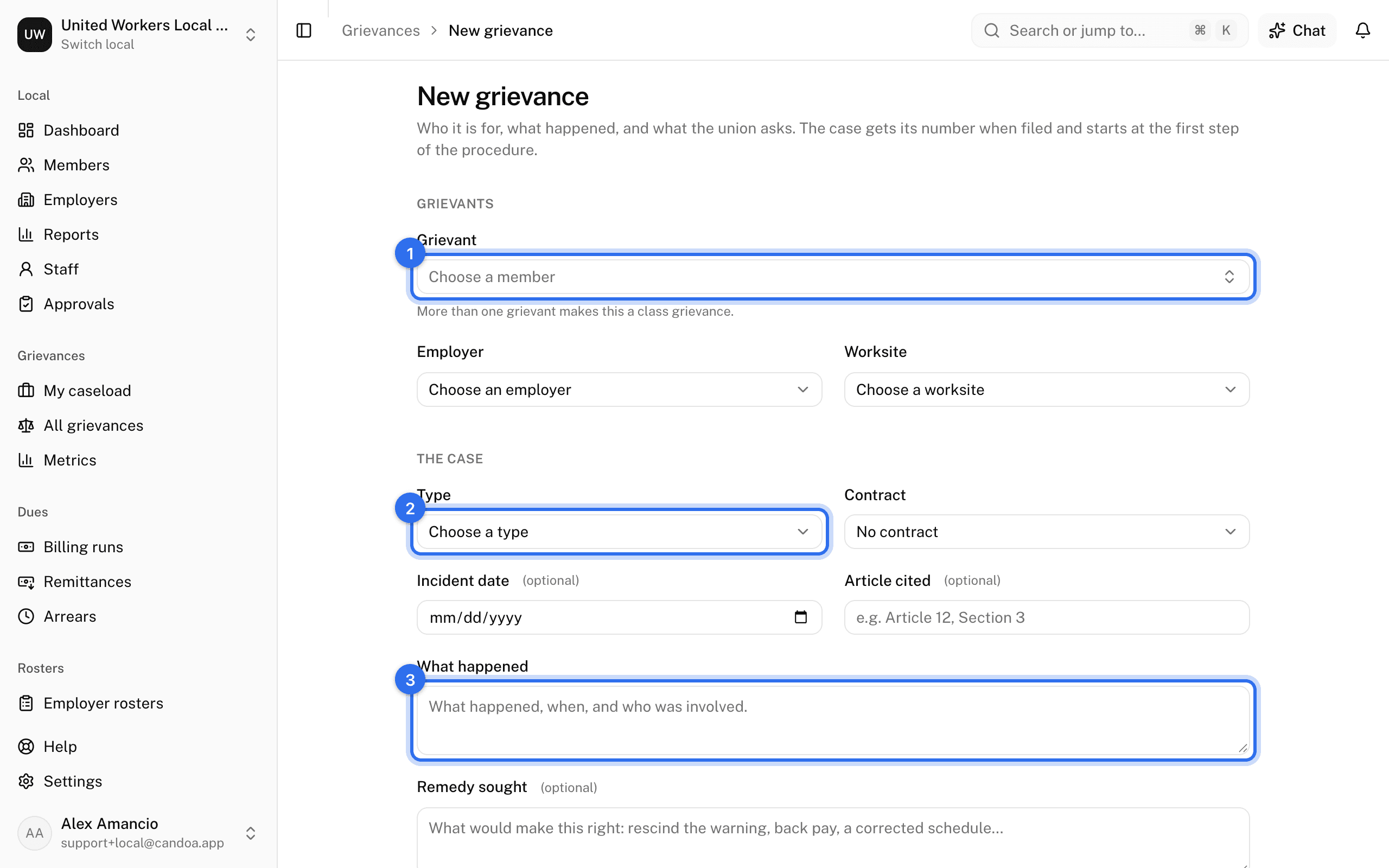
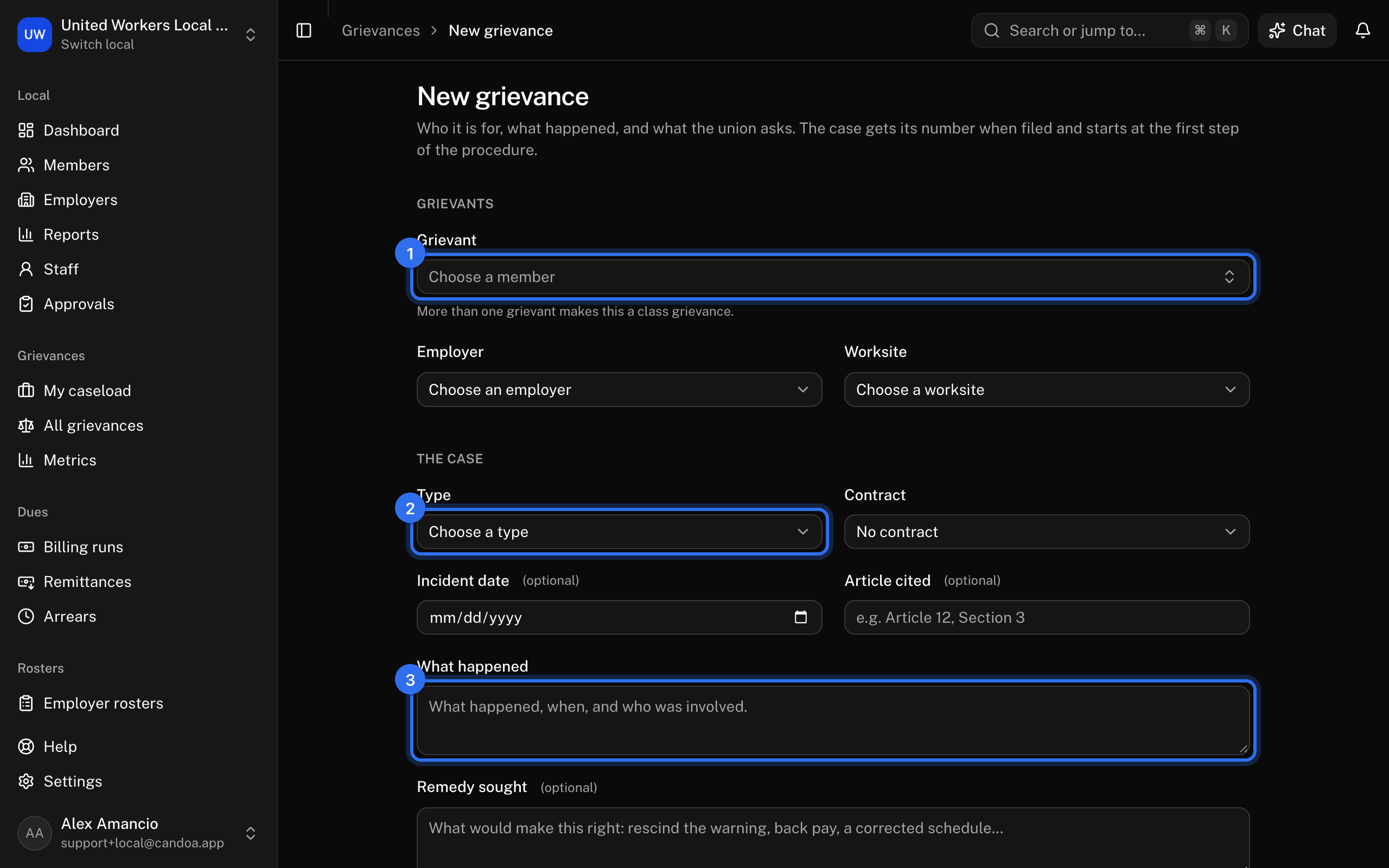
Choose the grievants
Press Choose a member and search by name or member number. Choosing the first grievant fills in the Employer and Worksite from their job. Press Add another grievant for more; the first is marked Primary, and a case with more than one grievant is a class grievance.
Describe the case
- Type: required. Discipline, Contract interpretation, Pay, Scheduling, Safety, or Other.
- Contract: the agreements in force today that cover the employer. If only one fits, it's chosen for you; if none fits, the field is hidden.
- Incident date.
- Article cited, such as "Article 12, Section 3".
- What happened: required. What happened, when, and who was involved.
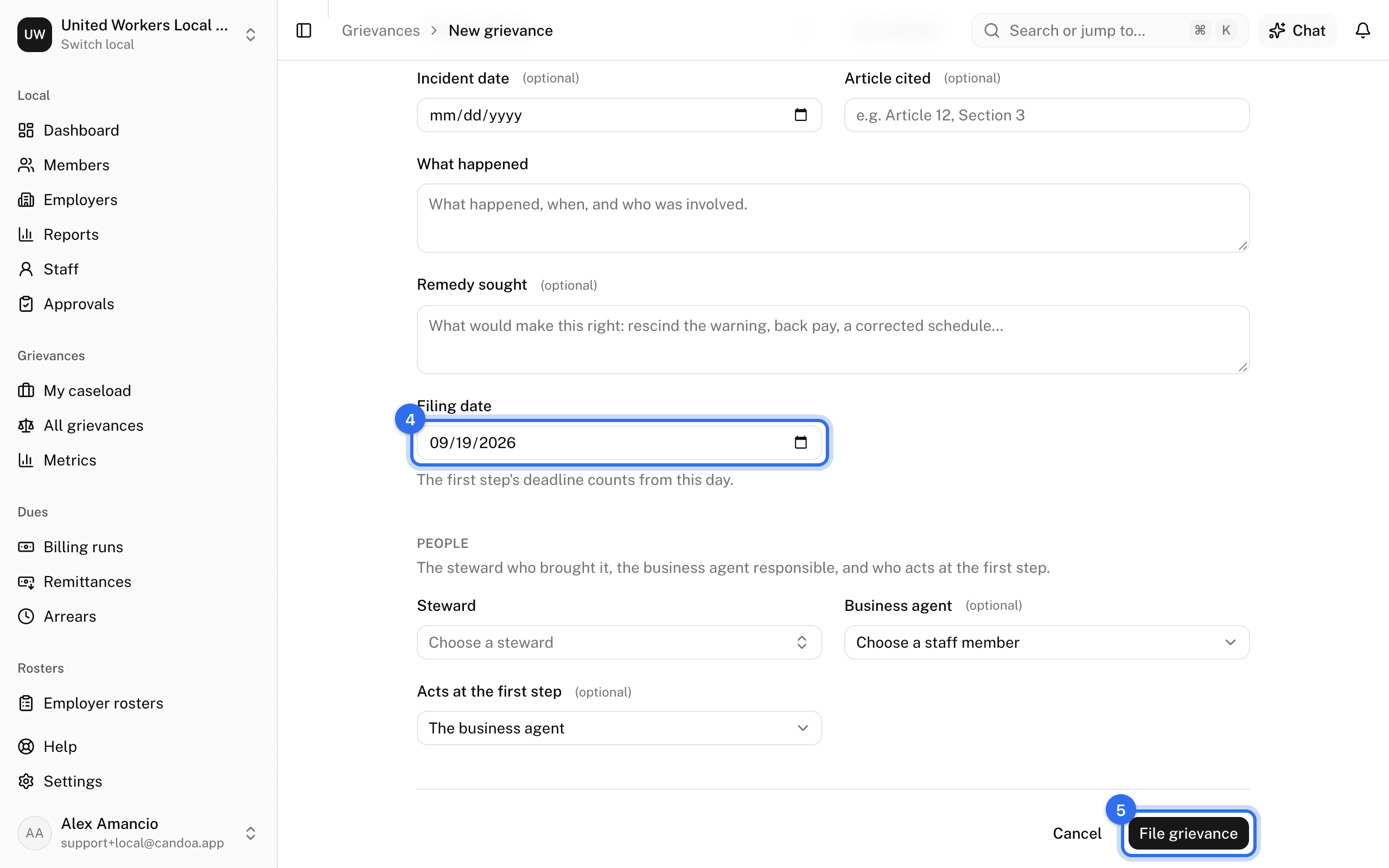
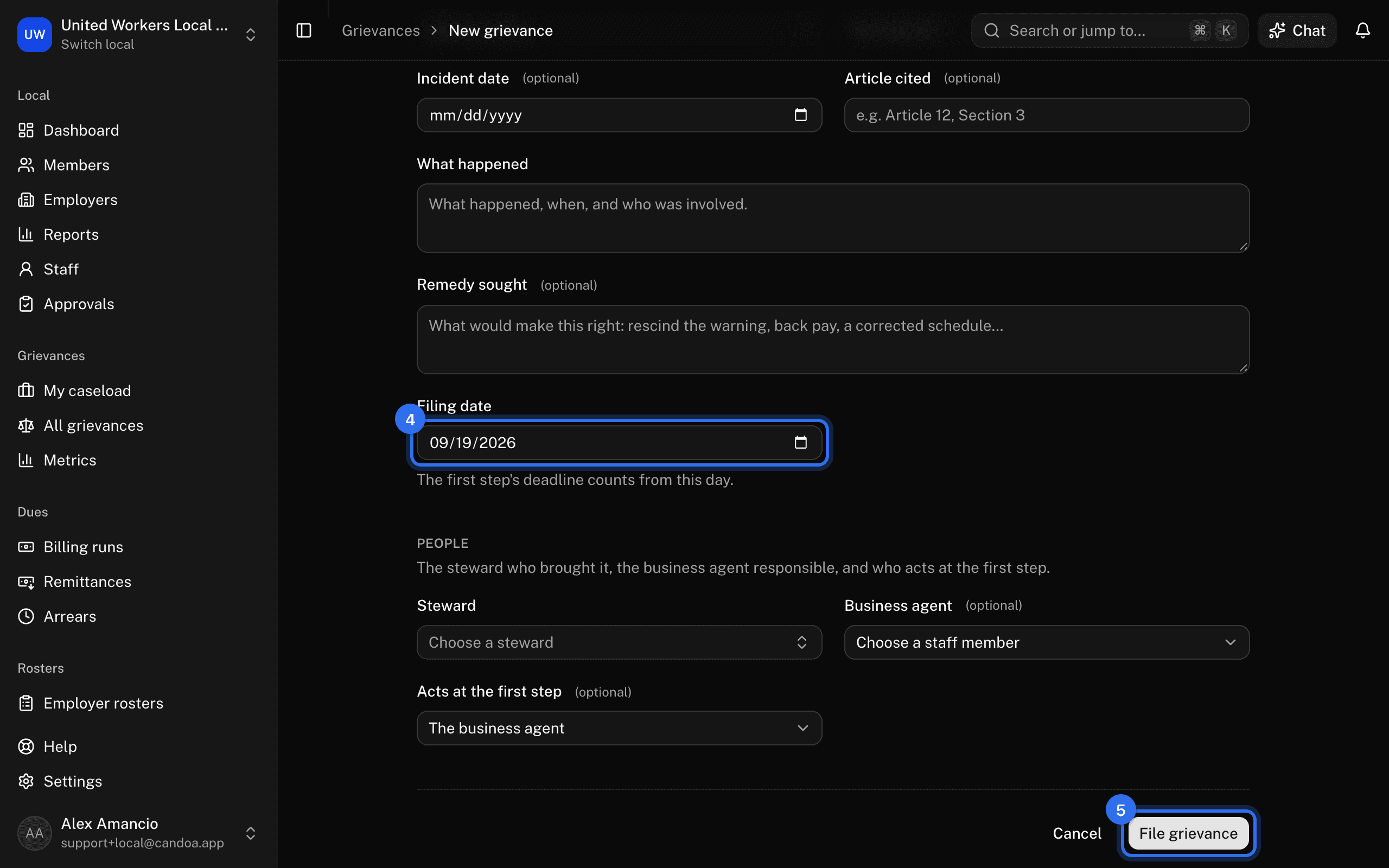
- Remedy sought: what would make this right.
- Filing date: required, defaults to today. The first step's deadline counts from this day.
Name the people
- Steward: the steward who brought it, chosen from members who hold a stewardship.
- Business agent: the staff member responsible for the case.
- Acts at the first step: the staff member who works step one. Left blank, it's the business agent.
- Procedure: only shown when the local has more than one active procedure. Left blank, the local's default is used.
File it
Press File grievance. The case gets its number, in the format set under Settings › Grievances, and the record opens. The number sequence restarts each year.
These pages are the help for Candoa, the software a local runs its members, employers, and grievances on.
Set up your localUpdated 2026-09-15