Keyboard shortcuts and the command palette
Every shortcut, and how to search and run actions from the command palette.
Everything in Candoa can be clicked. Shortcuts are there to make daily work faster. Every shortcut is also shown next to its action in the palette, so you learn them as you go.
The command palette
Press Cmd+K on a Mac or Ctrl+K elsewhere, or click the search box at the top of the screen. Type to search members, employers, worksites, staff, and grievances at once, or to jump to a screen or run an action.
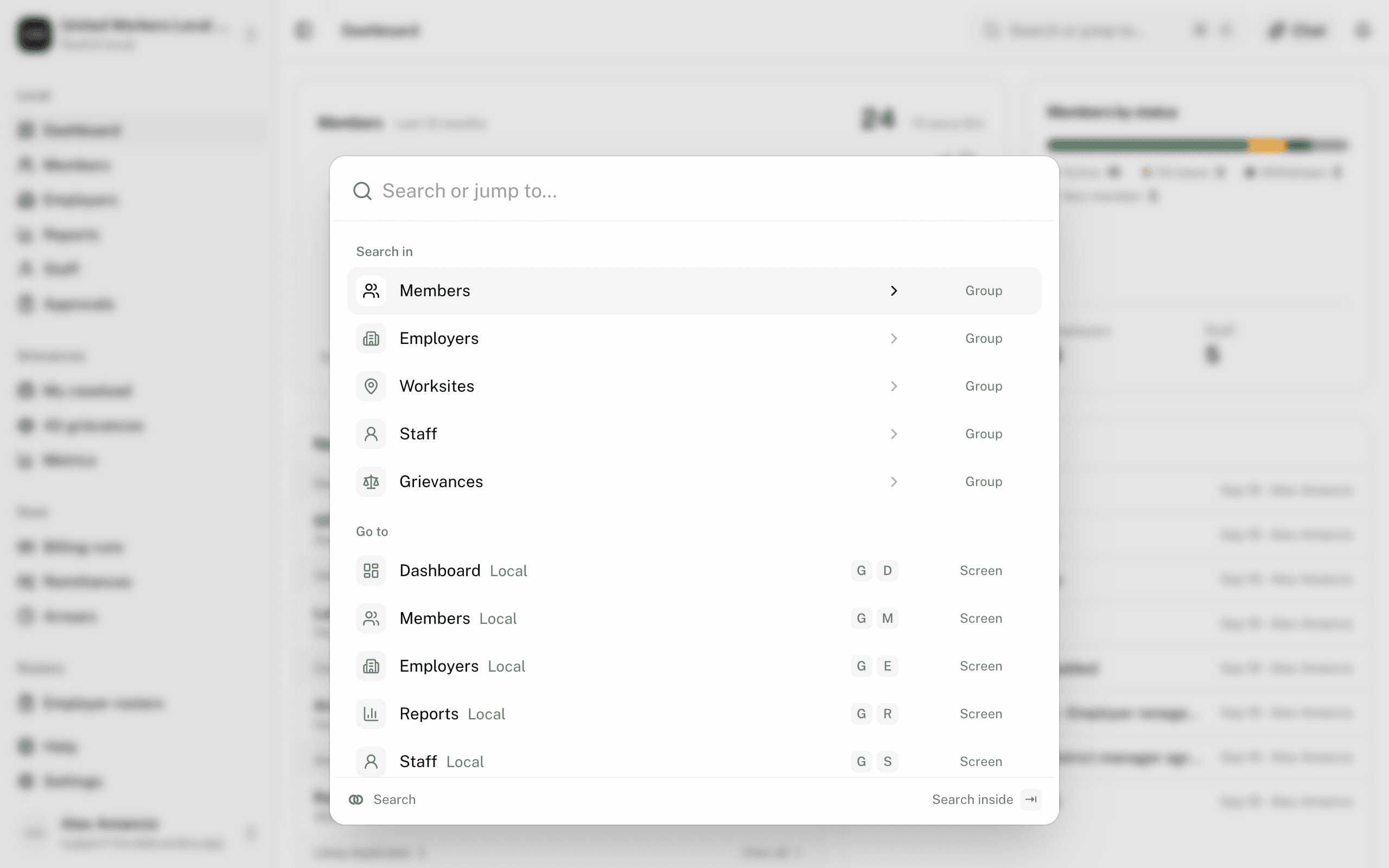
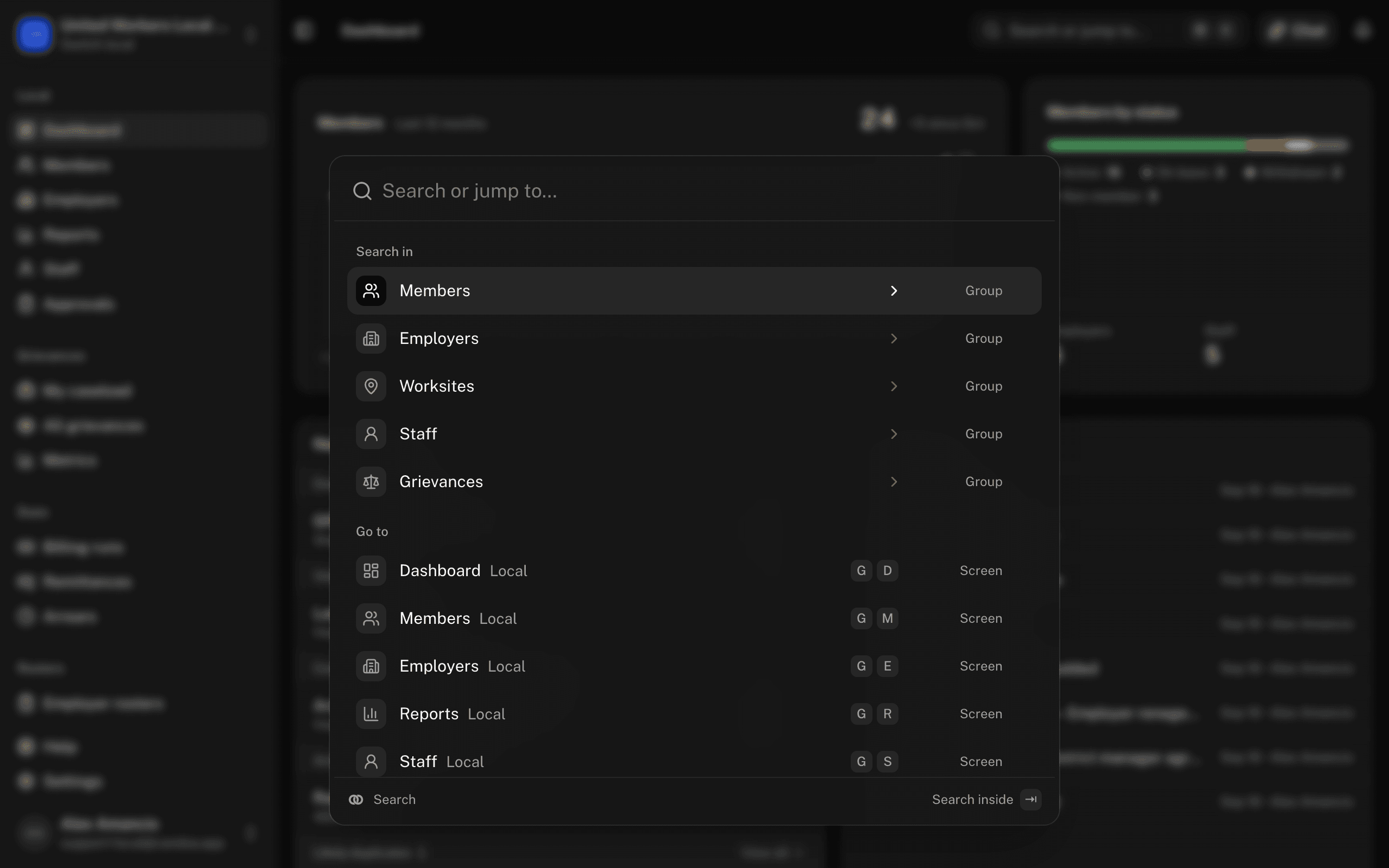
- On this page lists what the current screen can do. On a member's, an employer's, or a worksite's record that includes its tabs: Go to Activity, Go to Documents, and so on.
- Recent remembers what you opened lately.
- Search in narrows to one kind: press Tab on Members, Employers, Worksites, Staff, or Grievances. Backspace on an empty box leaves it.
- With a result highlighted, Cmd+Enter opens its actions: open the record, see its history, add a position, file a grievance for a member, see members at an employer.
On the Help page, the same keys open a search of every help page and section.
Eli
Cmd+J (Ctrl+J elsewhere) opens Eli's panel or puts it away, from any screen; it's the Chat button at the top of the screen. Inside the panel, Enter sends, Shift+Enter adds a line, and Escape closes it. See Ask Eli.
The guide
While the guide is running, Escape closes it, the right arrow and Enter move to the next hint, and the left arrow goes back. See The guide.
Some actions take one value right in the palette, such as adding a note. Dates accept plain words: "2 weeks", "oct 15", "end of month".
Two-key chords
Press the first key, then the second within a second, when you're not typing in a field. Typing the two letters in the palette works too.
| Keys | Goes to or does |
|---|---|
| g d | Dashboard |
| g m | Members |
| g e | Employers |
| g r | Reports |
| g s | Staff |
| g a | Approvals |
| g l | My caseload |
| g g | All grievances |
| g , | Settings |
| g h | Help |
| g c | Settings › Contracts |
| n m | Add member |
| n e | Add employer |
| i m | Import CSV |
| i e | Import employers |
| f g | File a grievance |
Chords for screens you can't open, or actions your permission can't do, don't exist for you.
On a list
| Key | Does |
|---|---|
| ↑ ↓ or j k | Move the highlight |
| Enter | Open the highlighted row |
| x | Tick or untick the row (members) |
| ← → | Close or open an employer's worksites |
On a record
| Key | Where | Does |
|---|---|---|
| E | Any record | Edit |
| S | Member | Change status |
| W | Employer | Add worksite |
| F | Grievance | Move forward |
| N | Member, employer, worksite, grievance | Add a note (on a member, employer, or worksite, opens the Activity tab) |
| ← → | Member, employer, or worksite, with a tab focused | Previous or next tab (Home and End go to the first and last) |
| I | Staff | Invite staff |
| Cmd+S | Permissions grid, procedure editor | Save |
| Cmd+Enter | Note box | Post the note |
These pages are the help for Candoa, the software a local runs its members, employers, and grievances on.
Set up your localUpdated 2026-09-19