Member settings
Set how members are numbered, require a reason on edits, and manage job classifications.
Open Settings › Members. Owners and admins.
Job classifications are the jobs members hold at their employers as the contract names them: meat cutter, cashier, CNA, driver. The contract's wage scales often go by classification, so the roster keeps it on each job.
Change how members are numbered
- Under Member numbers, write the Format the way a number should look. A run of hashes in braces is the sequence, padded to that many digits; the year can be added in four or two digits. Anything else is kept as written. The default is a plain five-digit sequence.
- Tick Start the sequence over each year if the format includes the year.
- Set the Next sequence if you're continuing from an old system.
- Press Save. The page previews "The next member will get" as you type.
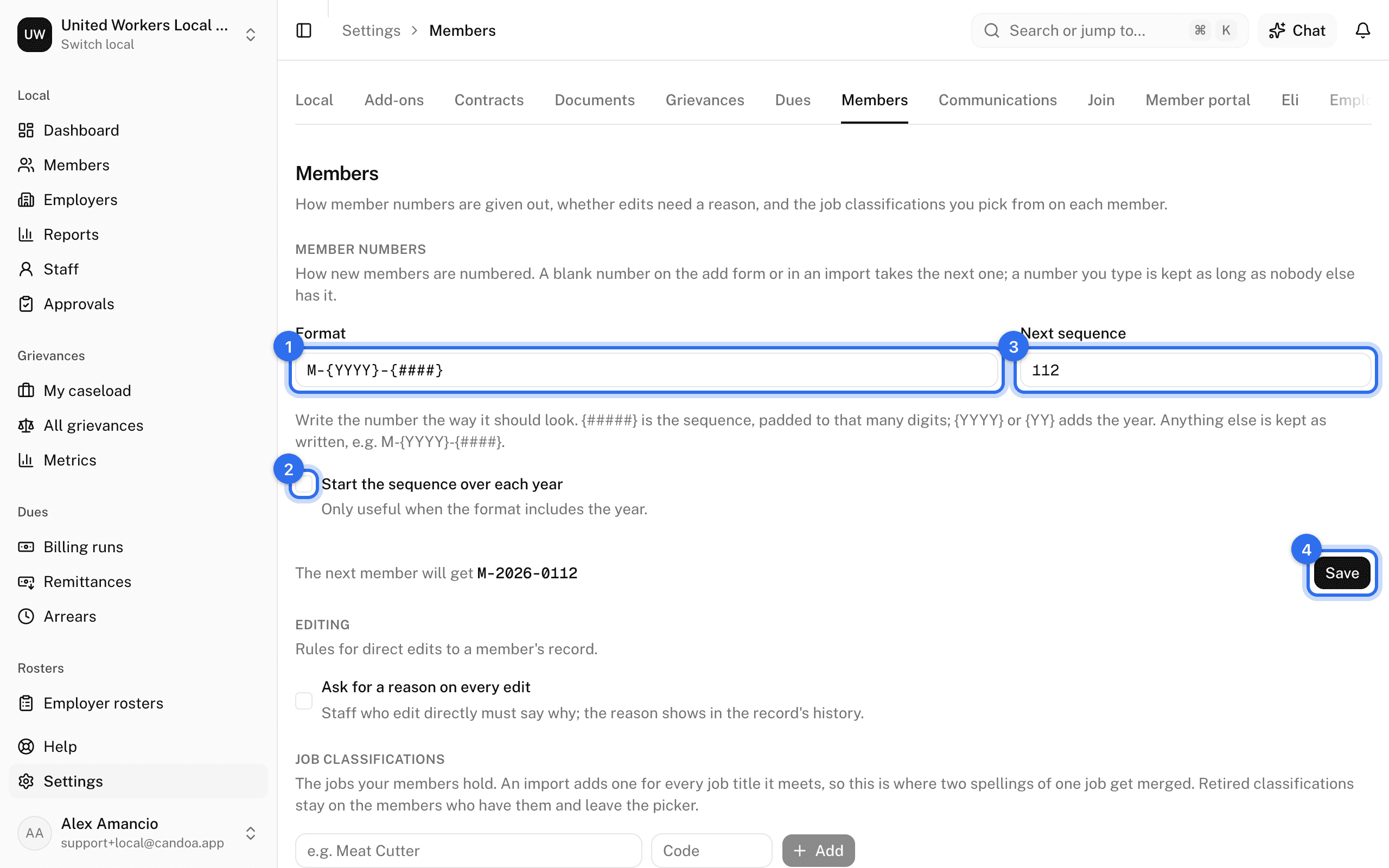
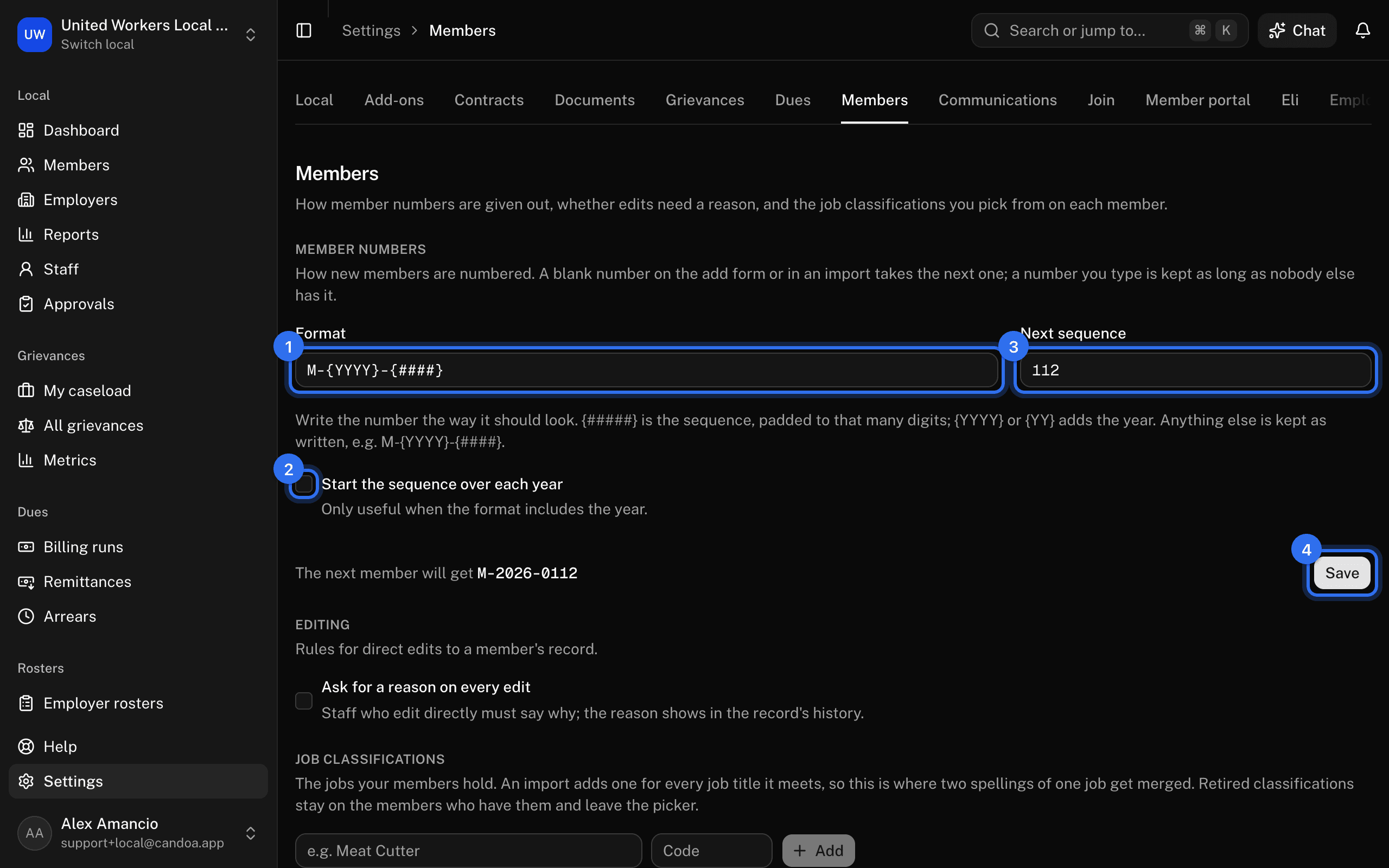
A blank number on the add form or in an import takes the next one; a number you type is kept as long as nobody else has it or had it.
Require a reason on every edit
Under Editing, tick Ask for a reason on every edit and press Save. Staff who edit a member directly must then say why, and the reason shows in the record's history.
Add a job classification
- Under Job classifications, type the name and an optional Code.
- Press Add.
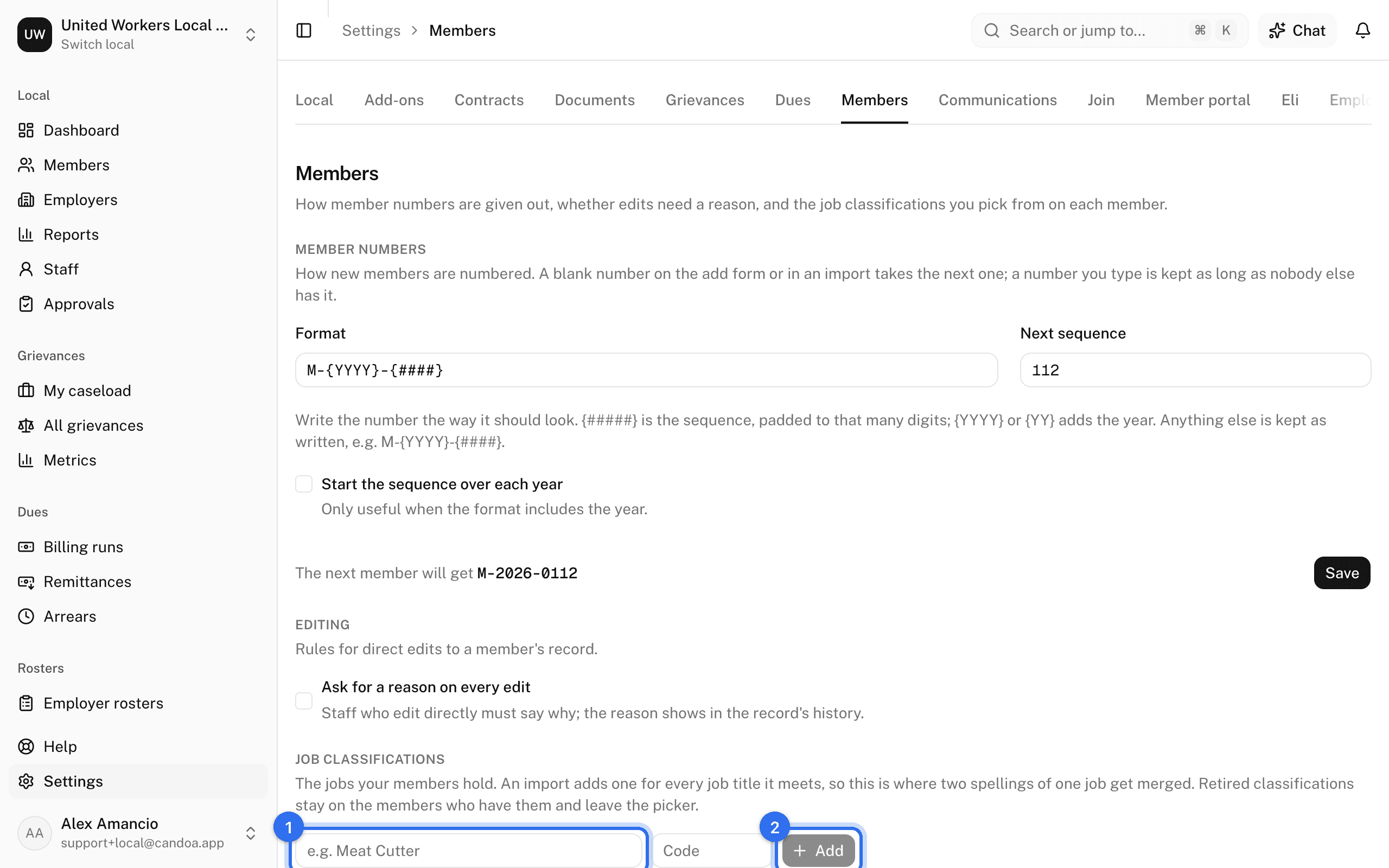
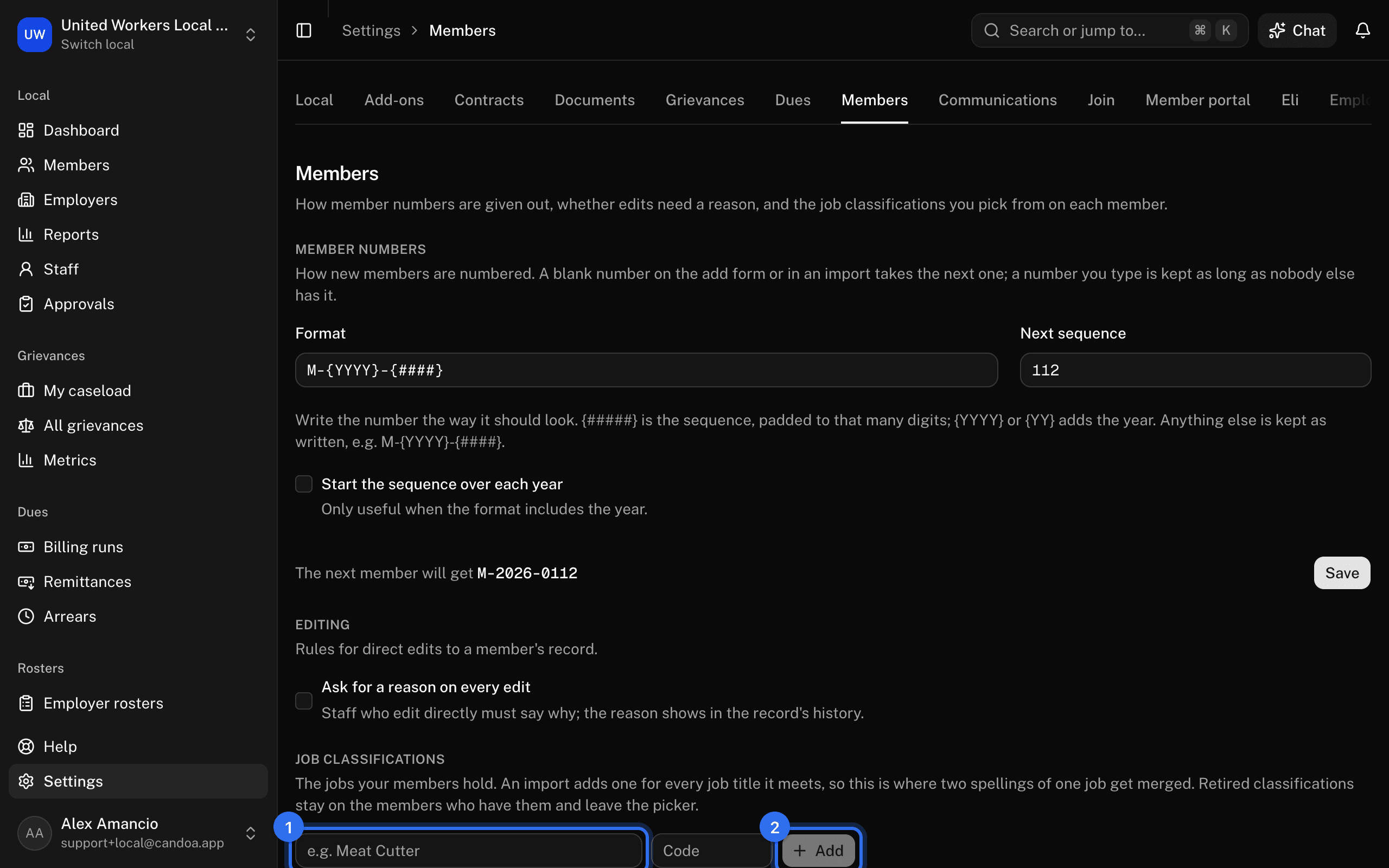
An import adds one for every job title it meets, so the list fills itself.
Merge two spellings of one job
- On the row you want to get rid of, choose Merge into another classification.
- Pick the one to keep and confirm.
Every member and job moves onto the one you kept. It can't be undone.
Retire or rename one
On the row, press Rename, or Retire to keep it on the members who have it while removing it from pickers. Restore brings it back.
These pages are the help for Candoa, the software a local runs its members, employers, and grievances on.
Set up your localUpdated 2026-09-15