The dashboard
Read the roster chart, see what needs your attention, and see recent changes.
The first screen after signing in. Press g then d to come back to it.
Read the roster chart
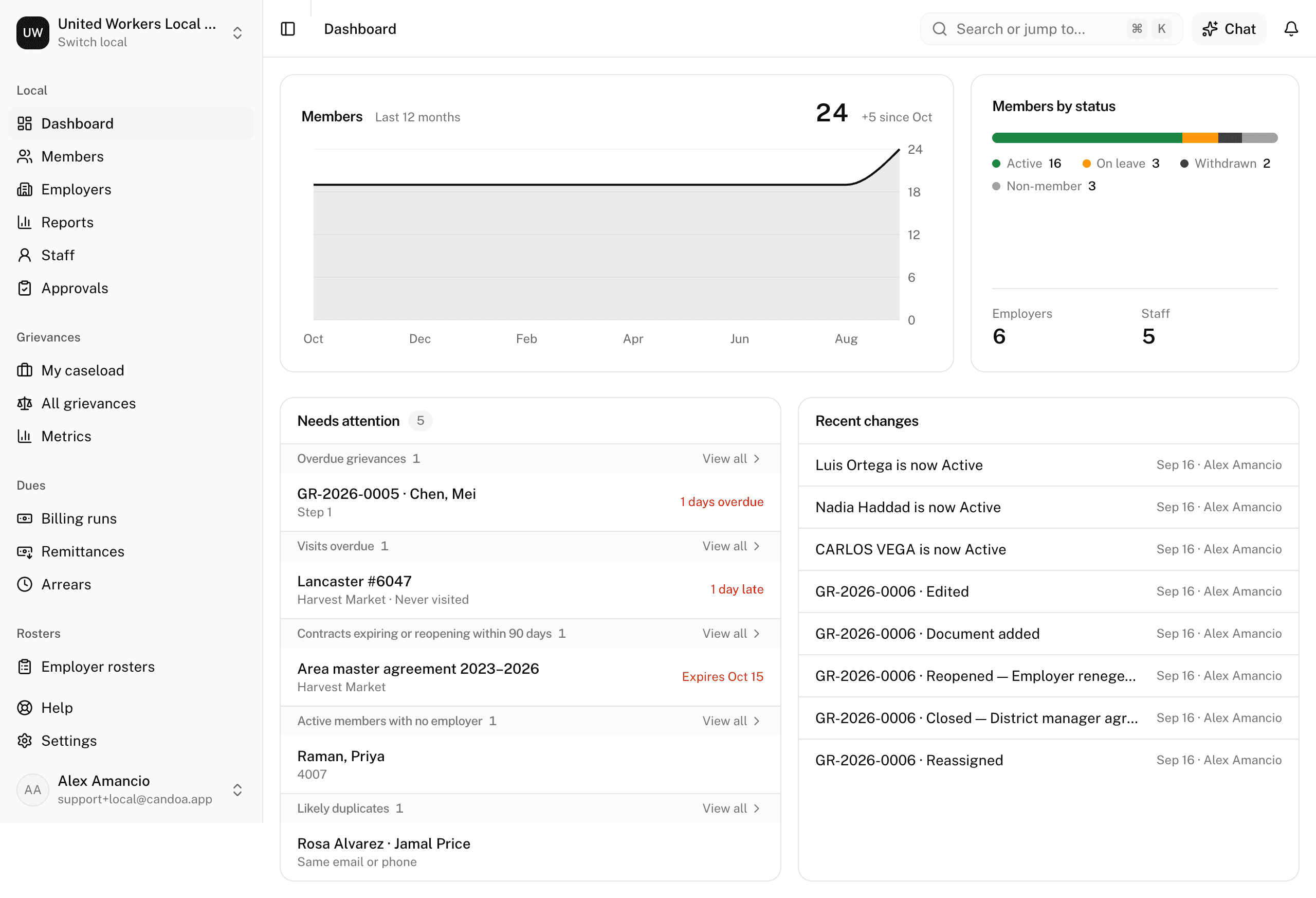
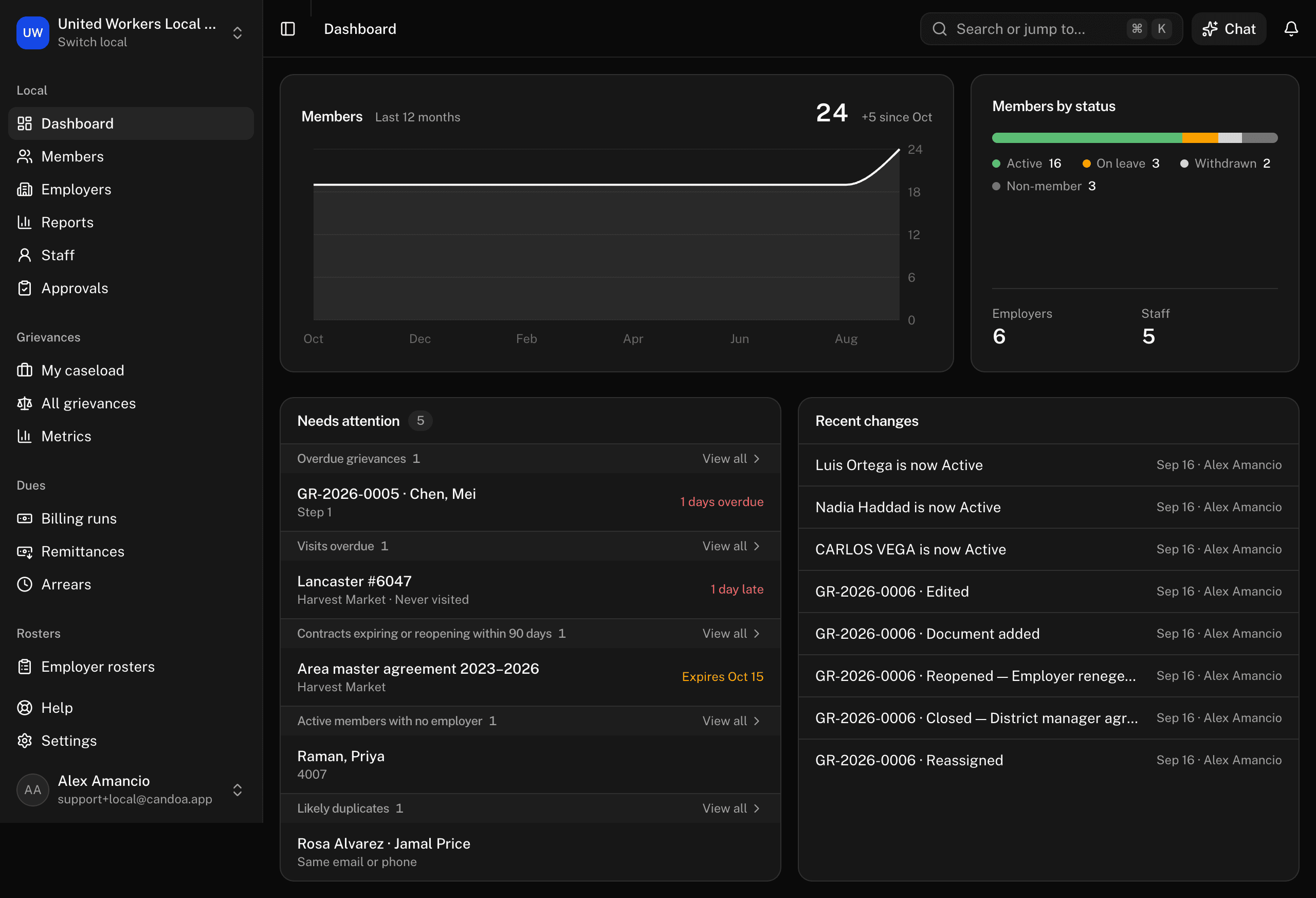
The Members card shows the roster over the last twelve months as a line, the total today, and how it has changed since the first month shown. Beside it: members by status, and counts of employers and staff.
See what needs attention
The Needs attention groups appear only when they have something in them, and only if your permission can act on them:
- Approvals: proposed changes waiting for you.
- Overdue grievances and My caseload, with the Grievances add-on.
- Follow-ups due: notes whose follow-up date has arrived.
- Visits overdue: open worksites whose last visit is older than the cadence set on the employer or the worksite, with the employer, the last visit date, and how many weeks late it is. Click a row to open the worksite's Activity tab with the note box ready, so logging the visit is one step; View all opens the employers list filtered to Visit overdue. See Worksites.
- Contracts expiring or reopening within 90 days: each row says which, Expires with the date or Reopens with the date and what reopens, soonest first.
- Active members with no employer.
- Likely duplicates.
- Invitations waiting.
Each has a View all link to the right screen. When nothing is waiting it says "Nothing needs attention. Nice."
See recent changes
Recent changes lists the latest member status changes and grievance activity, with who did each.
These pages are the help for Candoa, the software a local runs its members, employers, and grievances on.
Set up your localUpdated 2026-09-19