Grievance settings
Set how cases are numbered and which procedure new cases use.
Open Settings › Grievances. Owners and admins, when the add-on is on. The page holds the procedures, covered in Procedures, and the numbering form below them.
Change how cases are numbered
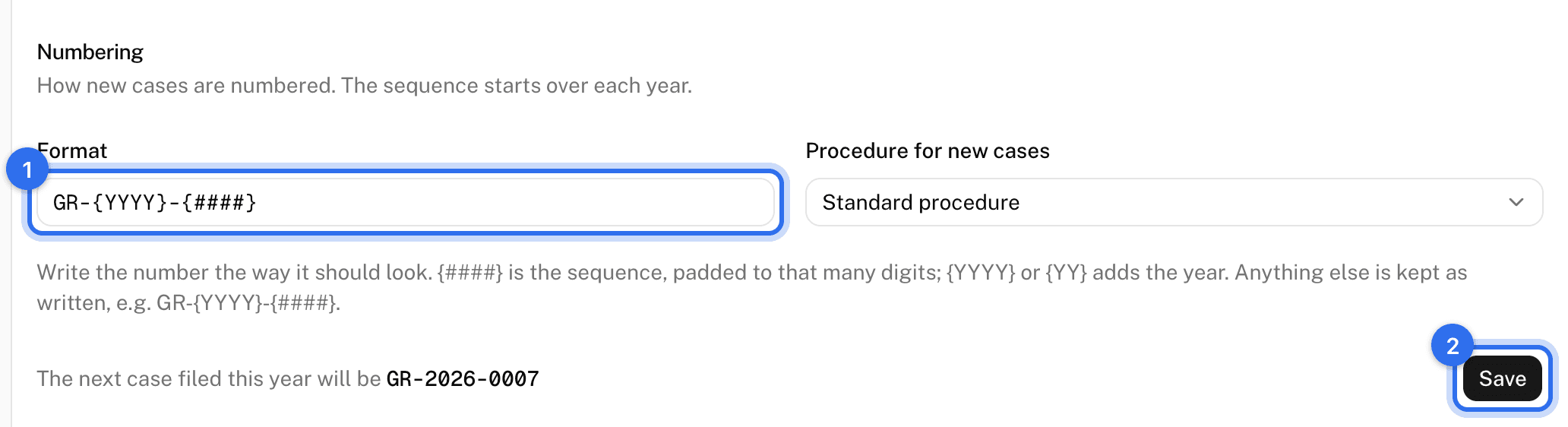
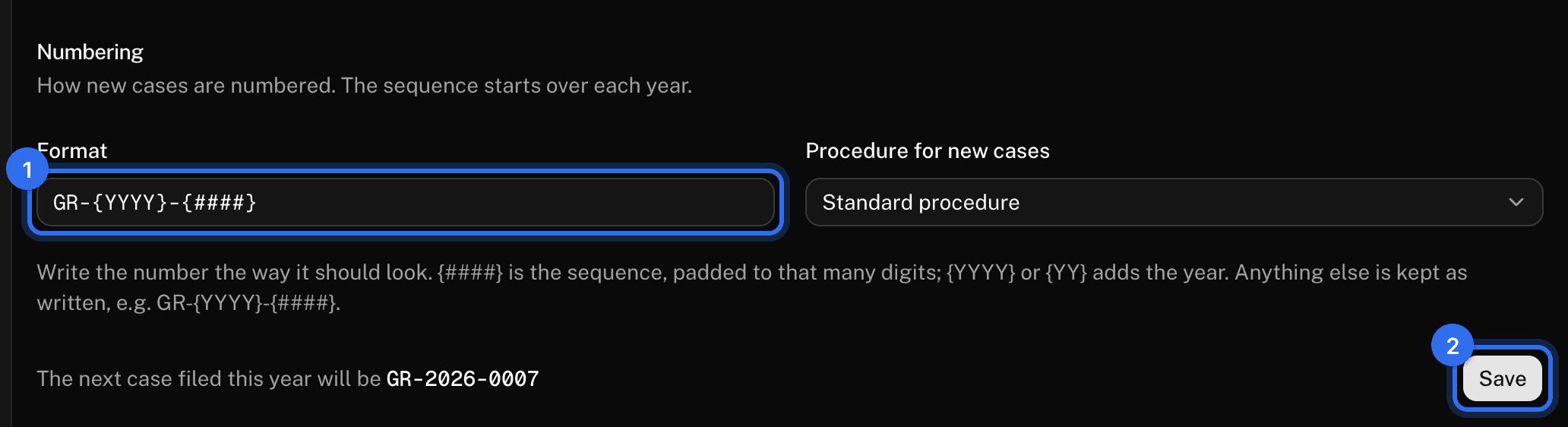
- Under Numbering, write the Format the way a number should look. A run of hashes in braces is the sequence, padded to that many digits, and the year can be added. The default gives numbers like GR-2026-0007.
- Press Save. The page previews "The next case filed this year will be" as you type.
The sequence starts over each year, counted by the filing date.
Choose the default procedure
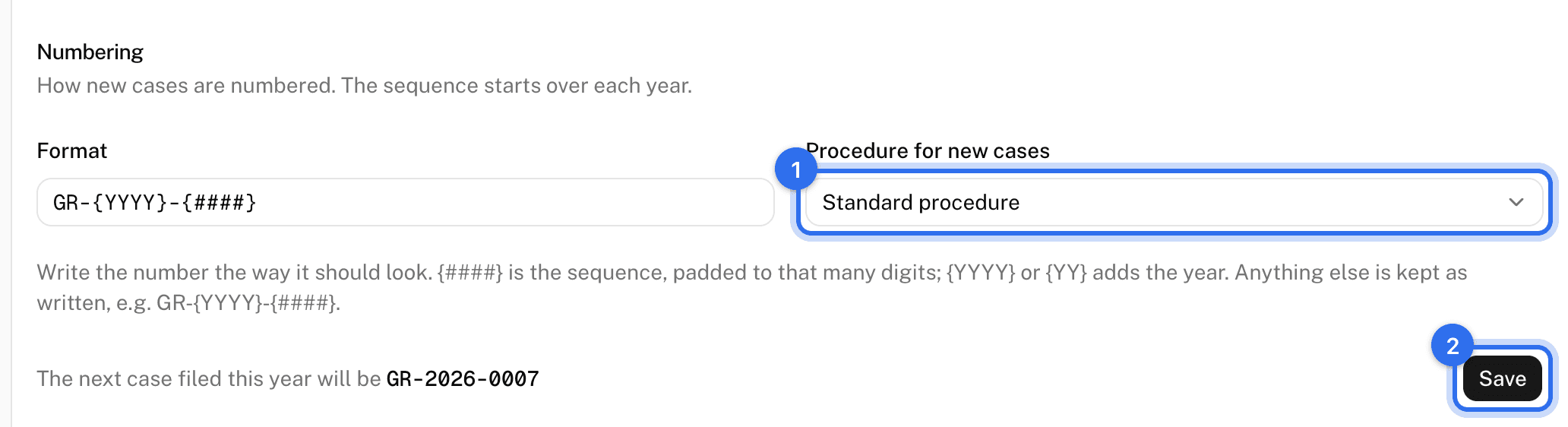
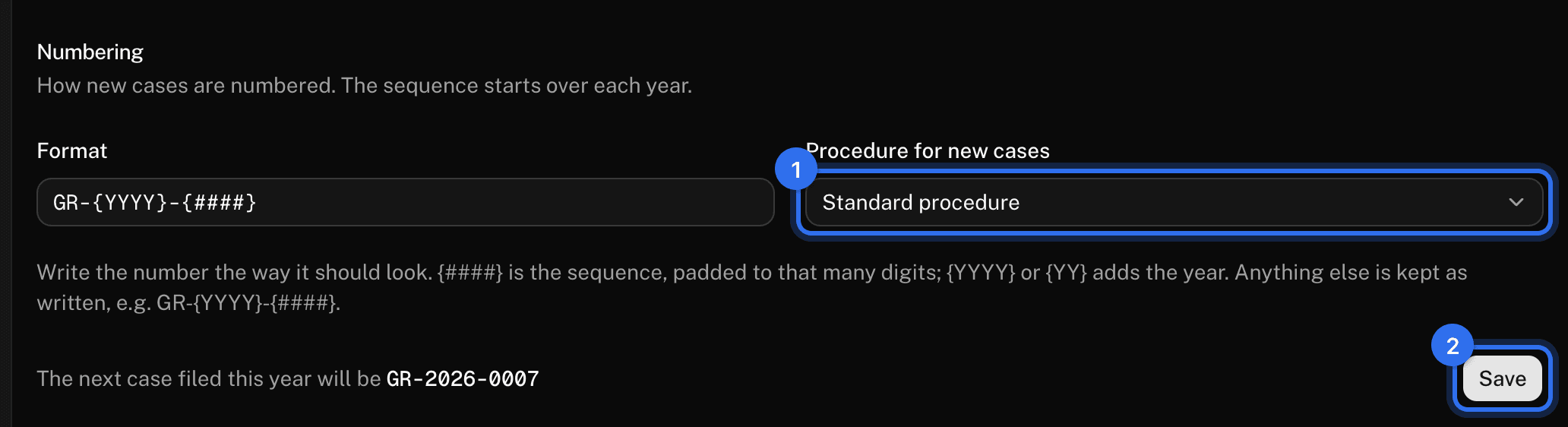
- Under Procedure for new cases, pick the procedure a new case uses when the filer doesn't choose one.
- Press Save.
Case types, outcomes, and reminder timing aren't configurable. People turn reminders off for themselves on their Account page.
These pages are the help for Candoa, the software a local runs its members, employers, and grievances on.
Set up your localUpdated 2026-09-15