Add-ons and billing
Start a free trial of an add-on, add it to the bill, turn it off, see what the local pays, and get to the card and invoices.
Candoa is a base every local has plus add-ons a local switches on and pays for. Anyone who can open Settings can read Add-ons, which is how an add-on is found: click an add-on and its card opens over the list with what it does, what it costs this local, and the one thing to do about it. Close the card and you're back on the list. Only the owner sees the buttons and the Billing section.
Included with Candoa and never switched off: the local's profile and settings, staff accounts and invitations, the member roster with status history, employers and worksites, contract records and contract search (see Search contracts), the spreadsheet import, reports, and Eli, the assistant (see Ask Eli). Today the catalog offers six add-ons: Grievances (see The Grievances add-on); Dues (see Dues settings); Join, which lets people sign themselves up on a staff tablet, from a poster or link, or on a paper card (see Signing up members); Rosters (see Employer rosters); Communications (see Announcements); and Member portal, where members sign in to see their own record (see The Member portal add-on). Adding members by hand or from a spreadsheet is part of the base.
You can also ask Eli. Ask for something an add-on does and Eli shows the add-on's card with its price and trial; if you manage add-ons, you can start the free 14 days from the card, and if you don't, the card names who can.
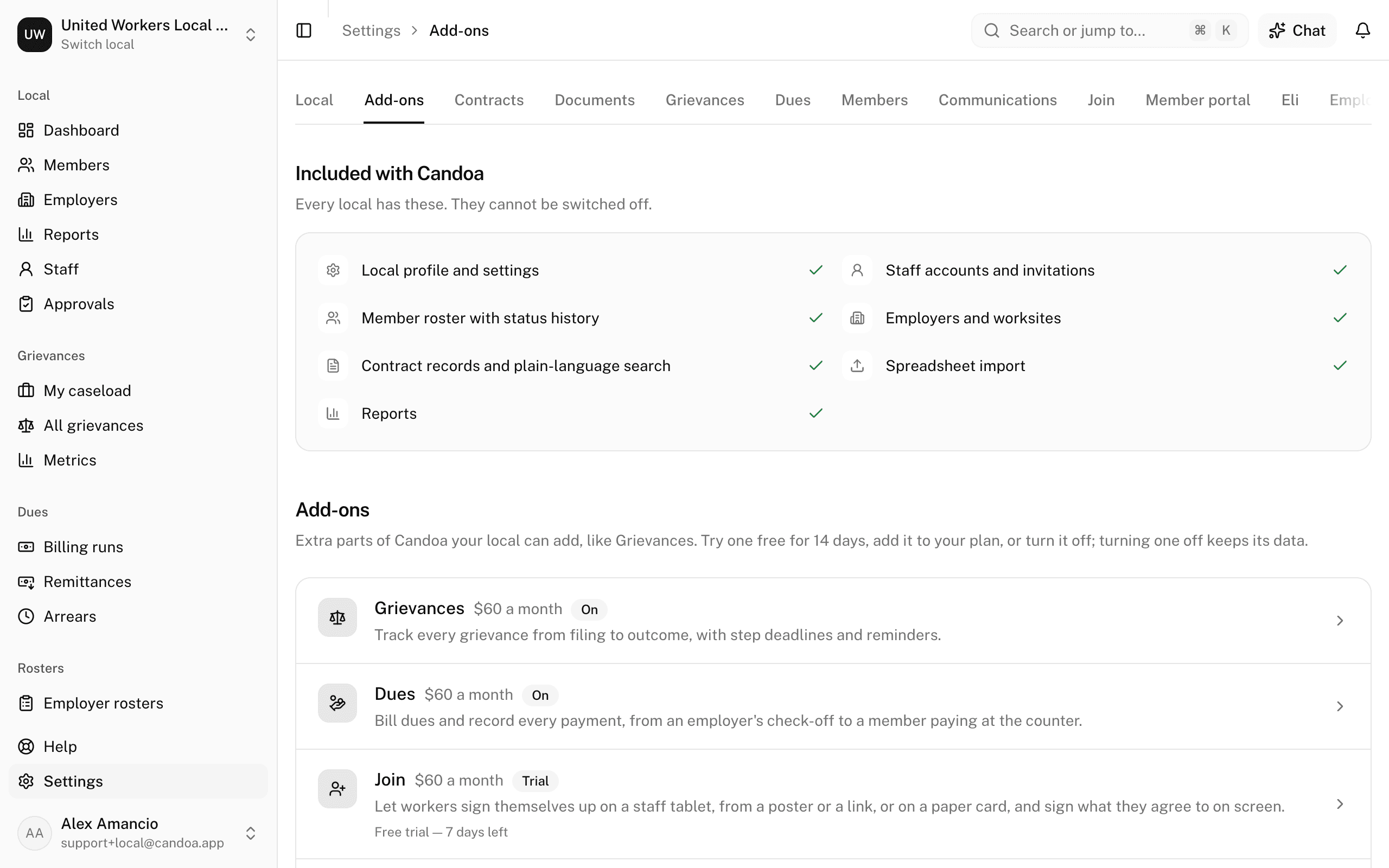
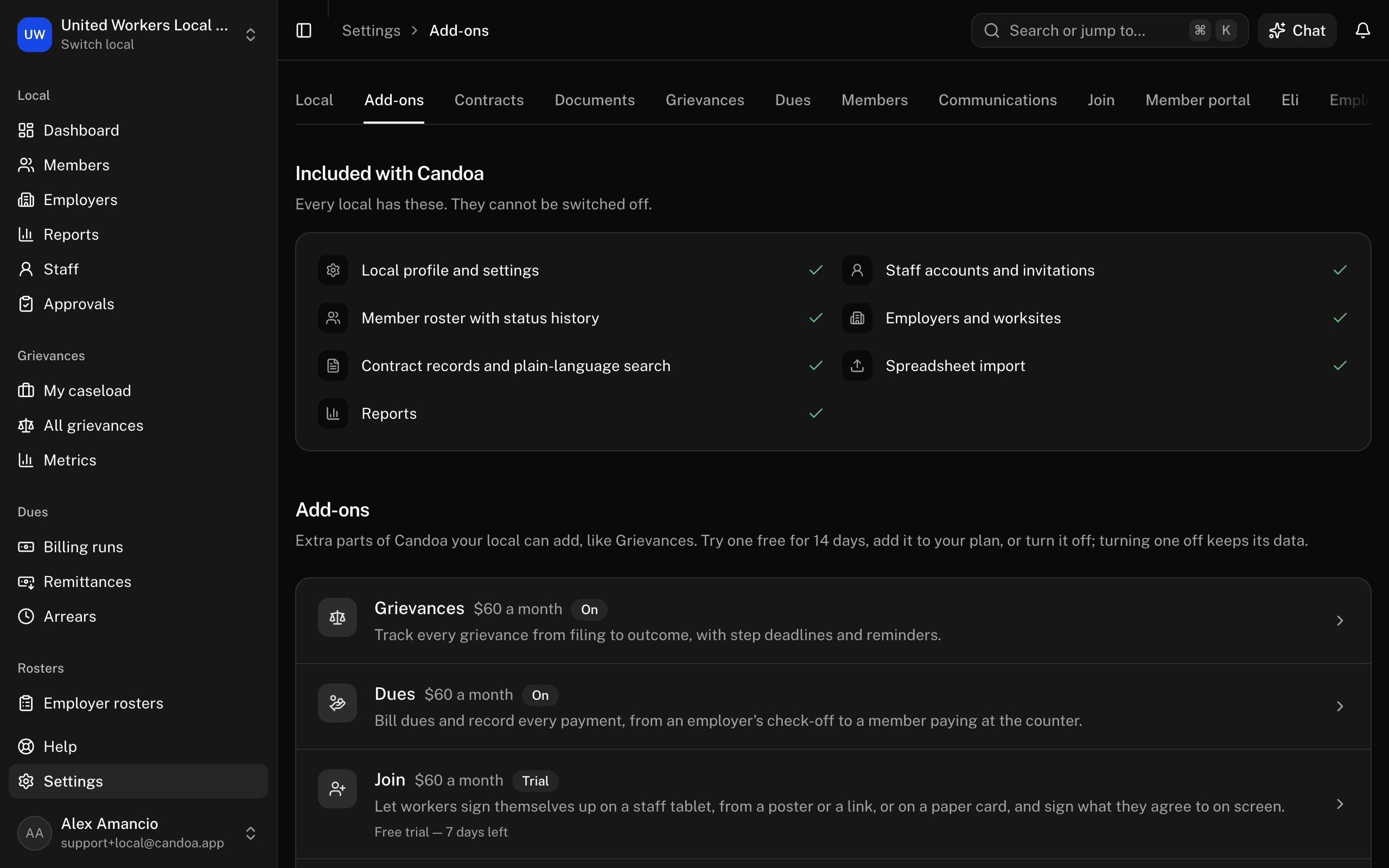
Try an add-on free
- Open Settings › Add-ons and click the add-on. Its card opens.
- Press Start 14 days free.
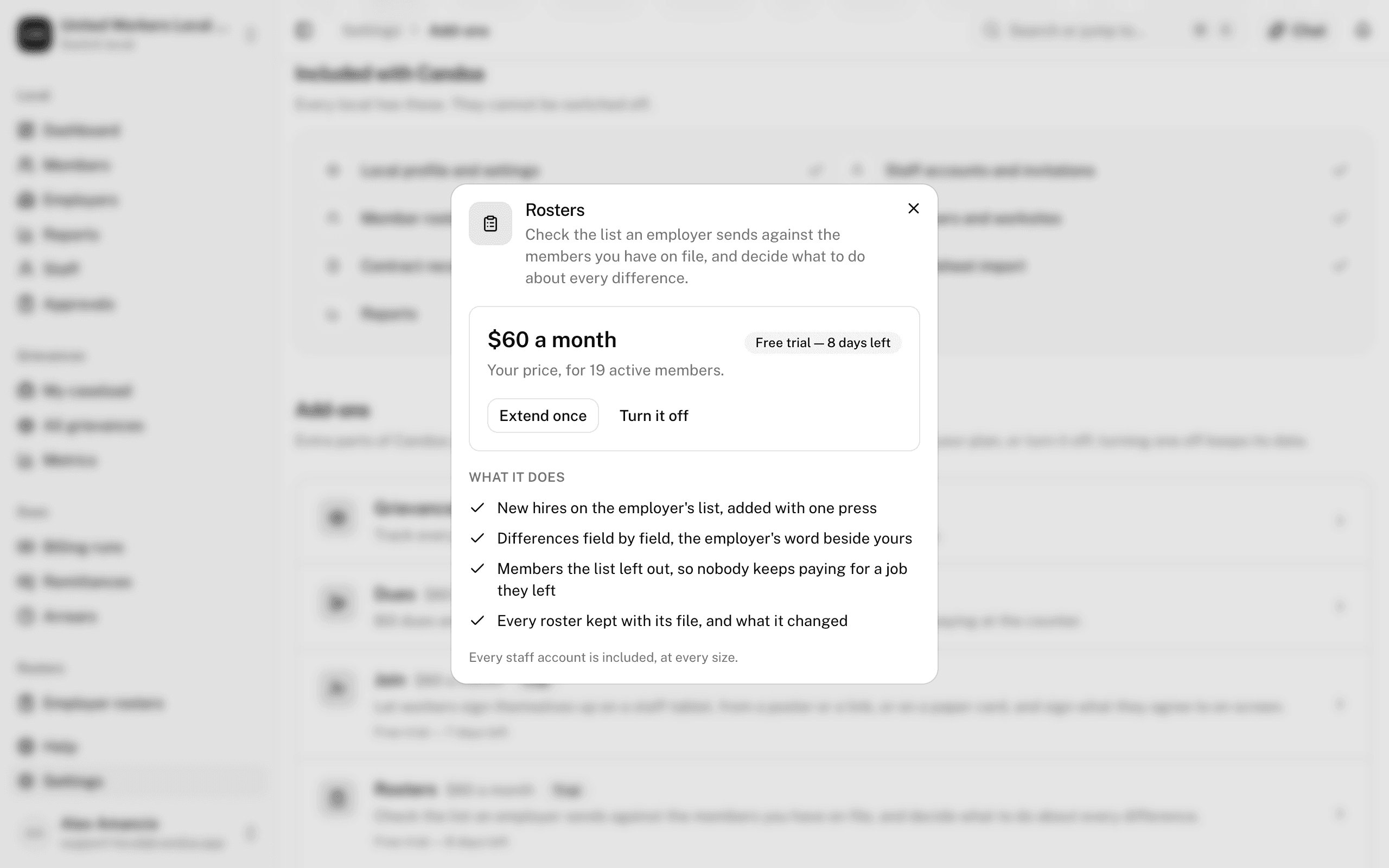
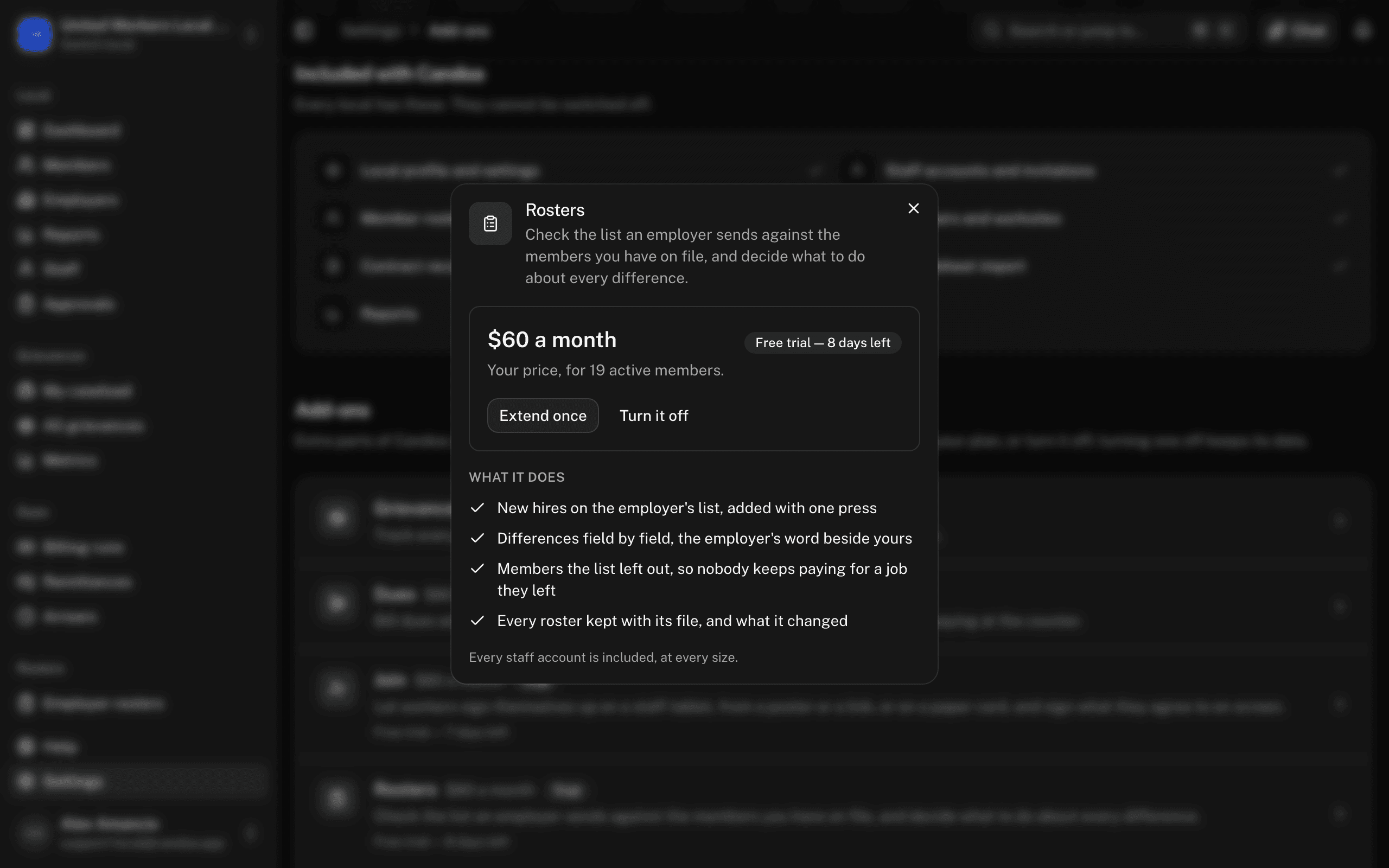
Nothing is billed and no card is needed. A trial happens once per owner per add-on: if you've already tried an add-on in one local you own, a new local you create doesn't get another trial. A week before it ends, and again the day before, the owner gets an email and a bell notice. When it runs out the add-on switches off by itself and everything in it is kept.
Extend a trial
On the add-on's card press Extend once. It adds 14 days, once, ever.
Add an add-on to the bill
- On the add-on's card press Add it.
- If the local already pays for Candoa, the month is prorated and you're done. Otherwise you're taken to checkout for the base plus the add-on.
Turn an add-on off
On the add-on's card press Turn it off. It leaves the bill and access closes; what's already paid for runs to the end of the period. Data stays; only access stops. When an add-on is off, its screens don't exist for staff, and the owner is sent to the add-on's card instead.
See what the local pays
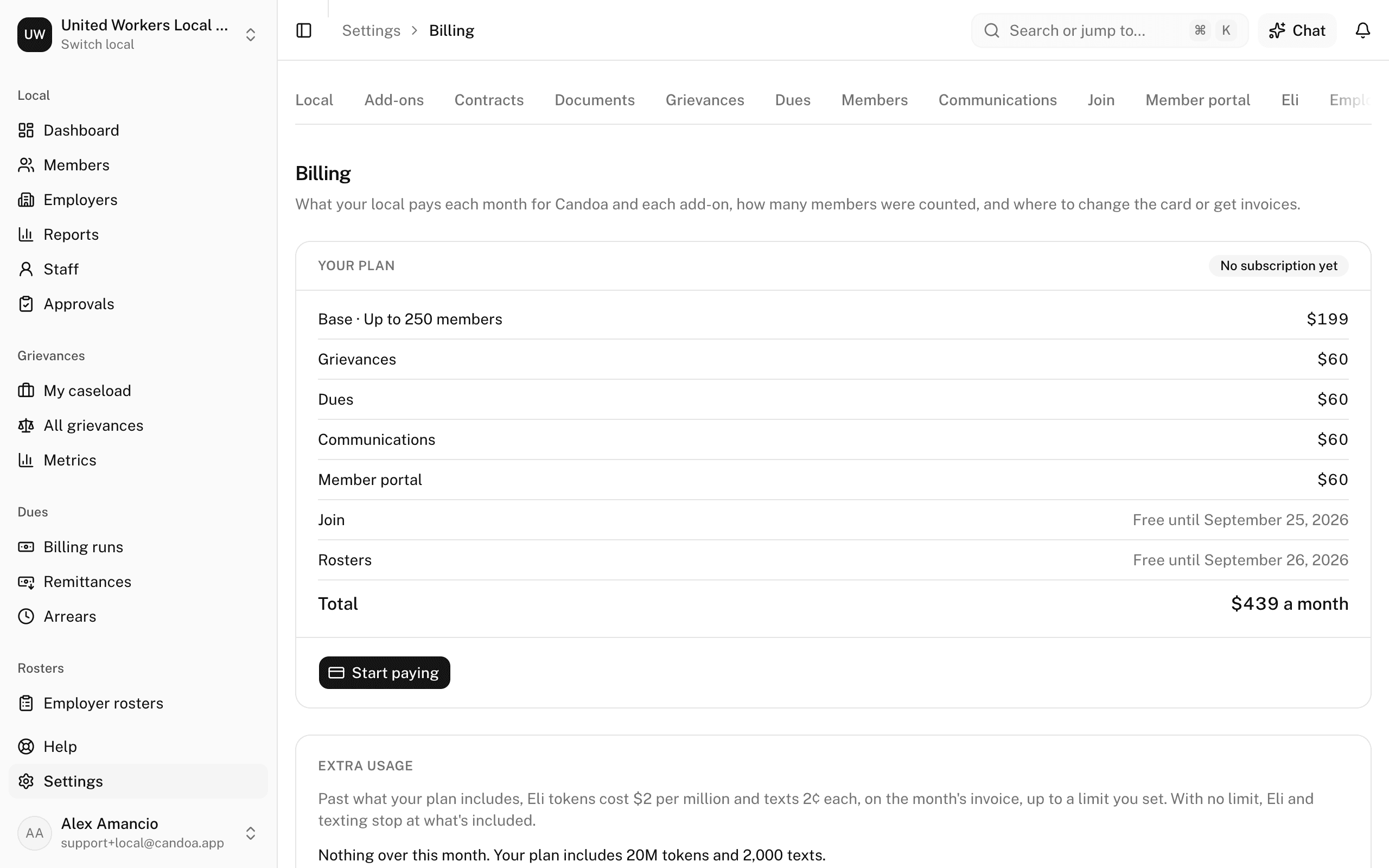
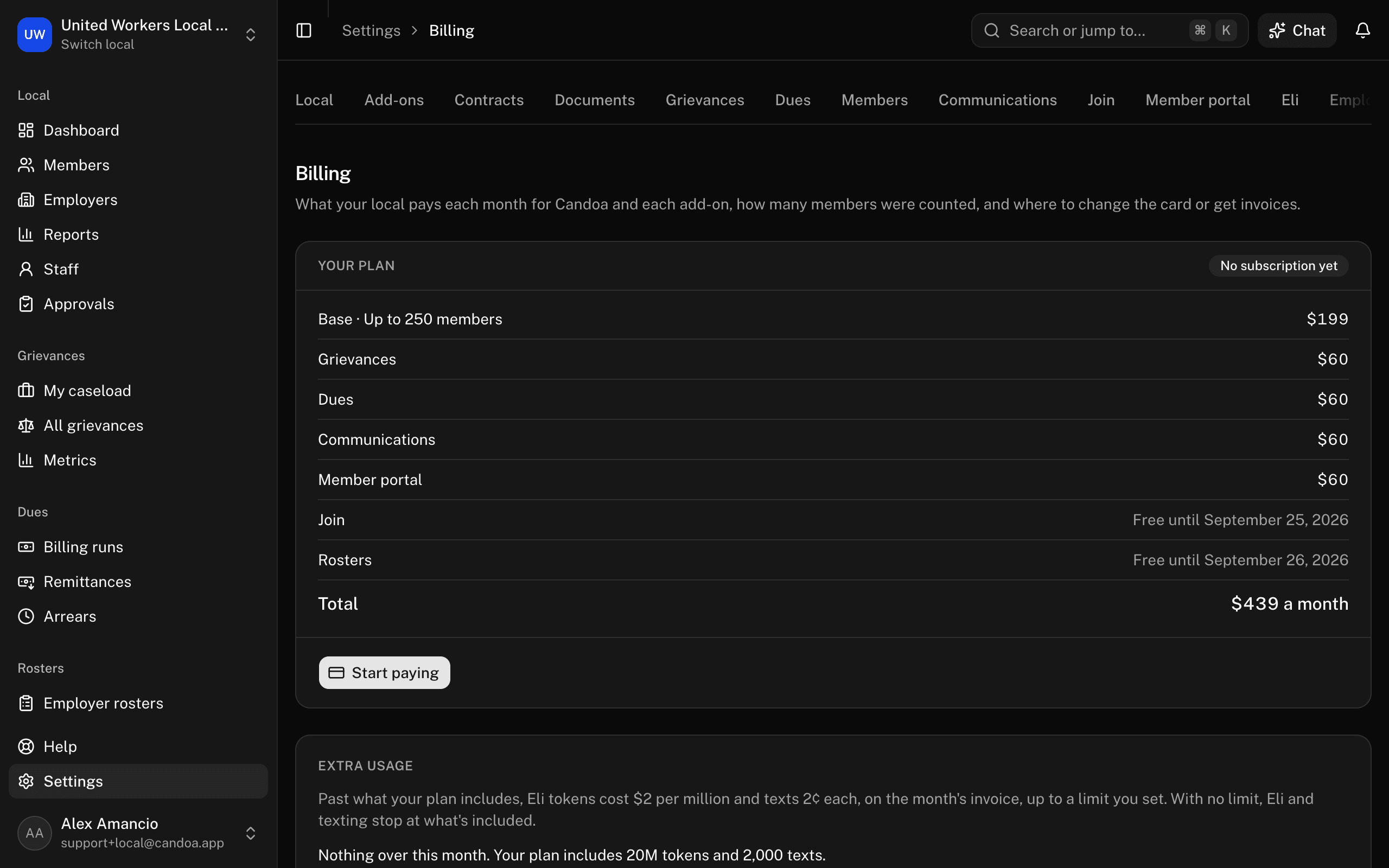
Open Settings › Billing. Your plan lists the base, each paid add-on, each add-on on its free trial, and the total, with a status pill: No subscription yet, Trial, Active, Payment failed, or Cancelled. The count card says how many members were counted and when.
Pricing is a monthly base by roster size plus each add-on at roughly a third of the base:
| Members up to | Base a month | Each add-on |
|---|---|---|
| 250 | $199 | $60 |
| 500 | $269 | $81 |
| 1,000 | $369 | $111 |
| 2,000 | $489 | $147 |
| 3,500 | $749 | $225 |
| 5,000 | $1,049 | $315 |
| More | from $1,649 | quoted |
Active and on-leave members count. Retirees, withdrawn and suspended members, non-members, and everything you keep for history are free. Every staff account is included at every size. The roster is counted at sign-up and again at renewal, never in between.
A local with more than 5,000 members is priced by conversation rather than from the table, starting at $1,649 a month. Ask for a price at candoa.app/contact and we'll come back with a number. Until that price is agreed, switching an add-on on from this page reports that a local your size is priced by conversation.
Set an extra usage limit
Two things can go past what your plan includes: Eli's tokens and texts. Both are set by the local's size, so a bigger local includes more of each, and both are sized so a local using Candoa as intended never reaches them. Past them, usage can go on the month's invoice, Eli tokens at $2 per million and texts at 2¢ each, but only up to the limit you set here, so a mistake or a runaway month can never surprise the treasurer.
On the Billing page, under Extra usage, type a whole number of dollars a month in Extra usage limit and press Save. Every local starts at 0, which means Eli and texting simply stop at the included amount. The card shows what has gone over this month and what it has added so far; a quiet month adds nothing. The limit can only be set once the local pays for Candoa. Owner only.
Start paying
On the Billing page press Start paying. Checkout opens for the base. Candoa never asks for a card on its own screens.
Change the card, see invoices, or cancel
On the Billing page press Card and invoices. The billing portal opens, where the card, the invoices, and cancelling live.
Fix a failed payment
The Billing page shows Payment failed. Nothing is locked. Press Card and invoices and update the card in the portal.
These pages are the help for Candoa, the software a local runs its members, employers, and grievances on.
Set up your localUpdated 2026-09-19