Reset your password
Get a reset link by email and choose a new password.
Reset your password
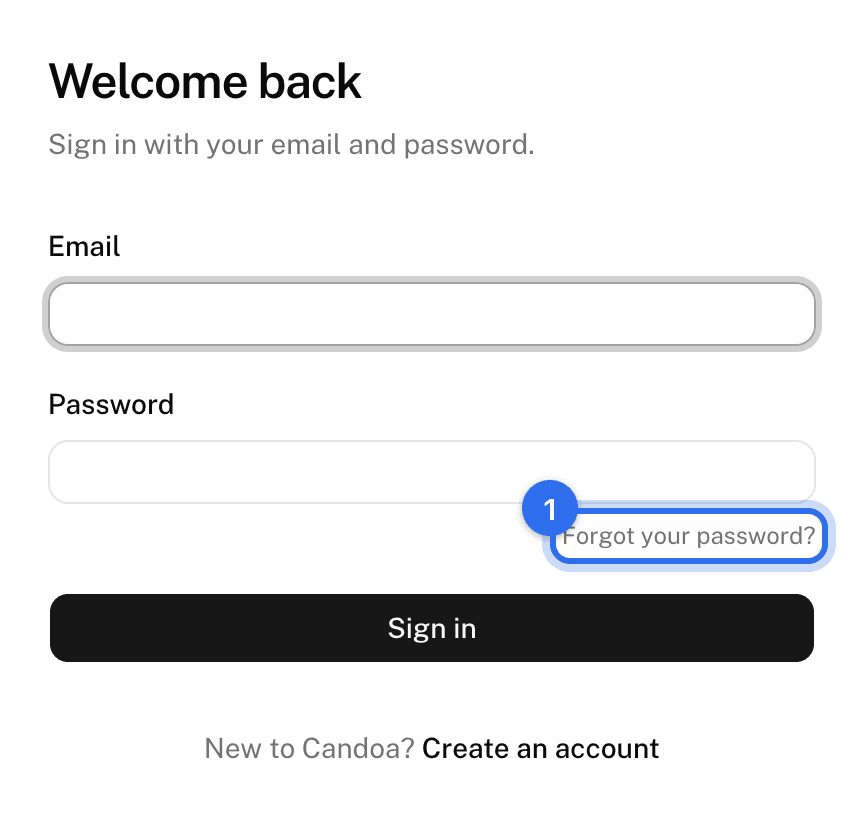
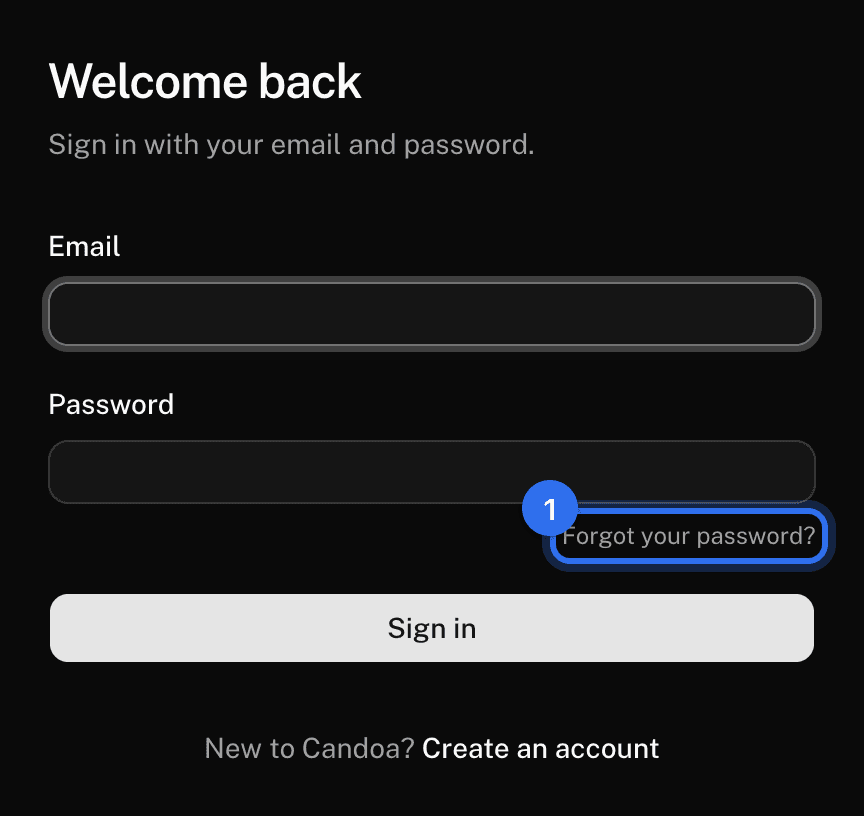
- On the sign-in screen press Forgot your password?
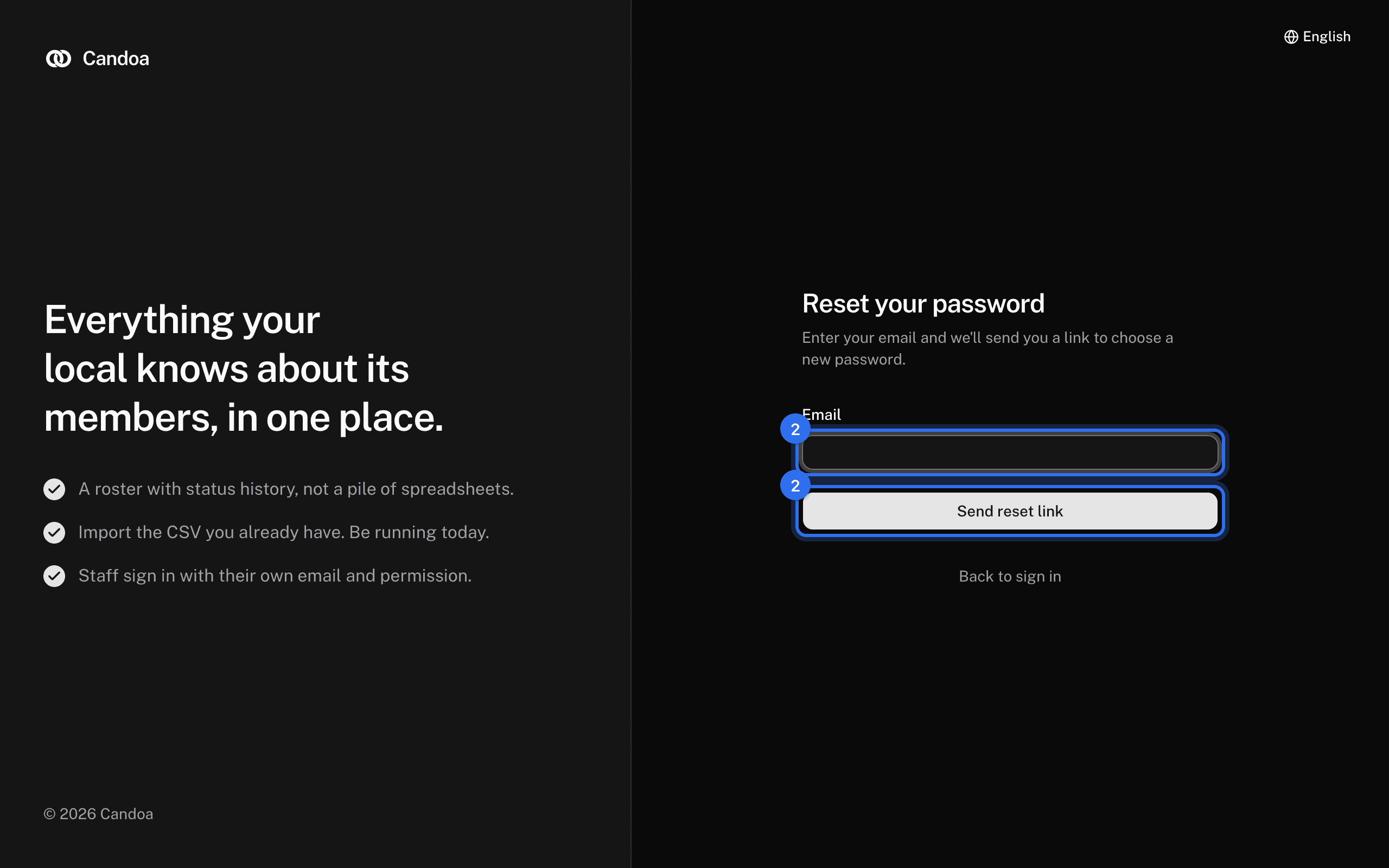
- Enter your email and press Send reset link.
- Open the email titled "Reset your Candoa password" and click Choose a new password.
- Enter your New password twice: at least 12 characters, not one that has leaked in a breach. Press Save new password.
- Press Sign in and sign in with the new password.
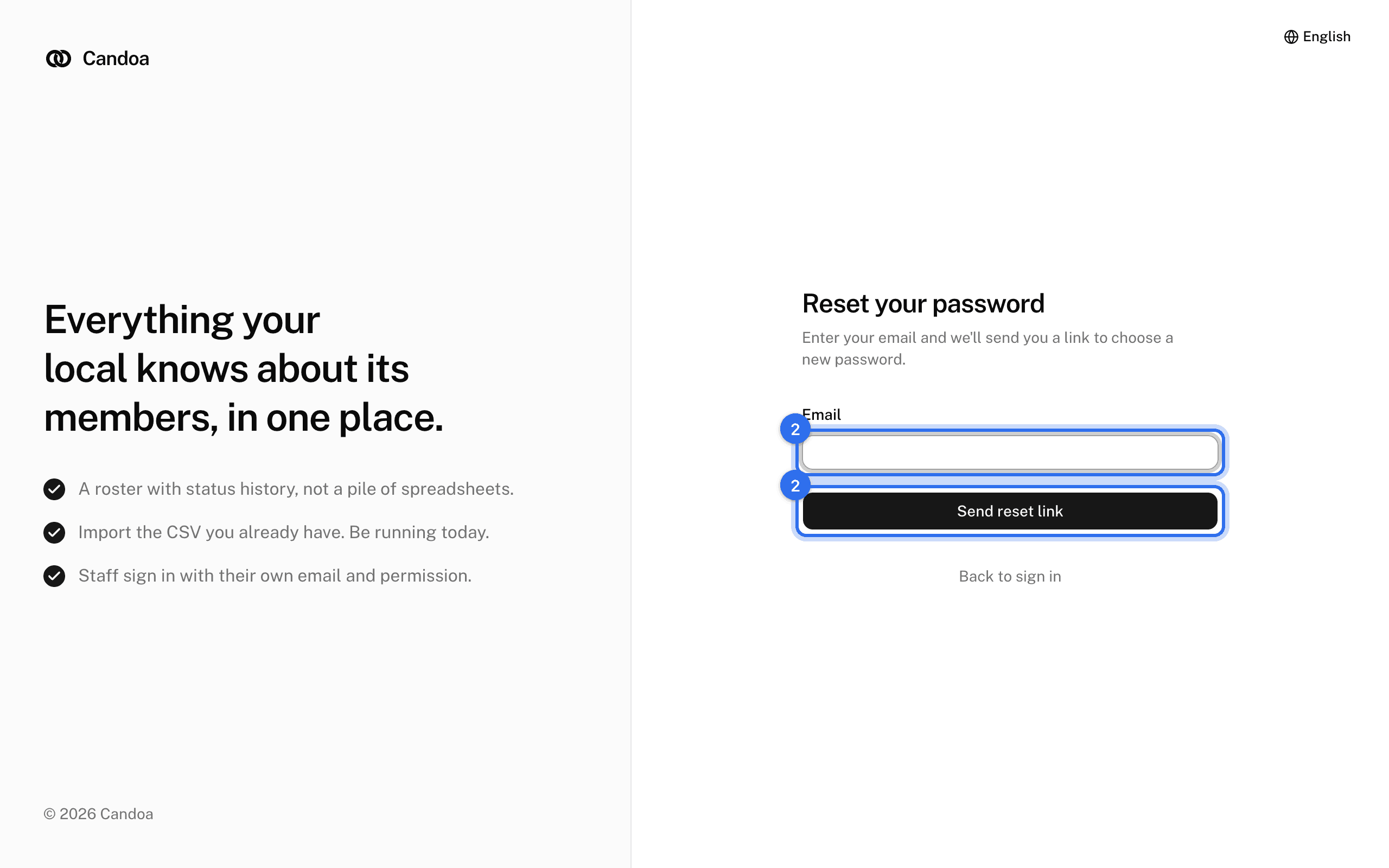
The screen always says a link is on its way, whether or not an account exists for that email; that keeps people from guessing which emails have accounts.
Get a new link when one expired
A link lasts one hour. If you see "This reset link is invalid or has expired.", press Request a new link and start over.
Change your password while signed in
Use the Password section of your Account page; it asks for your current password.
These pages are the help for Candoa, the software a local runs its members, employers, and grievances on.
Set up your localUpdated 2026-09-15