Positions
Add the offices and seats your local fills, record who holds each, and end a term.
What positions are
Positions are the offices and seats of the local itself, as opposed to jobs at an employer. Officers such as president, vice president, secretary-treasurer, and recorder are elected by the members. The executive board governs between membership meetings. Trustees audit the books. Committees do bargaining, grievances, political action, and the like. Delegates represent the local at conventions and councils.
Stewards are different; they're recorded per employer on the employer's page.
Add a position
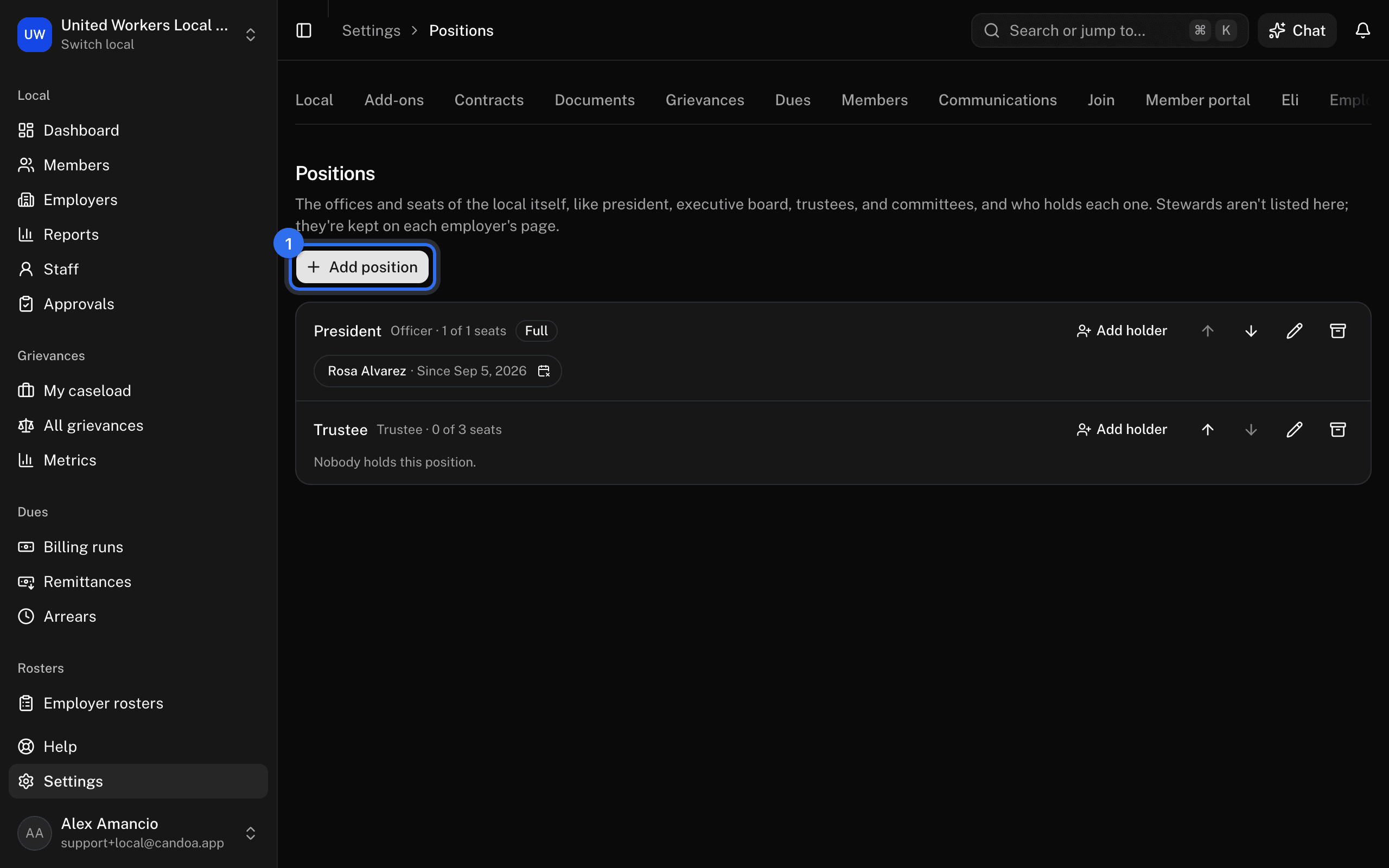
- Open Settings › Positions and press Add position.
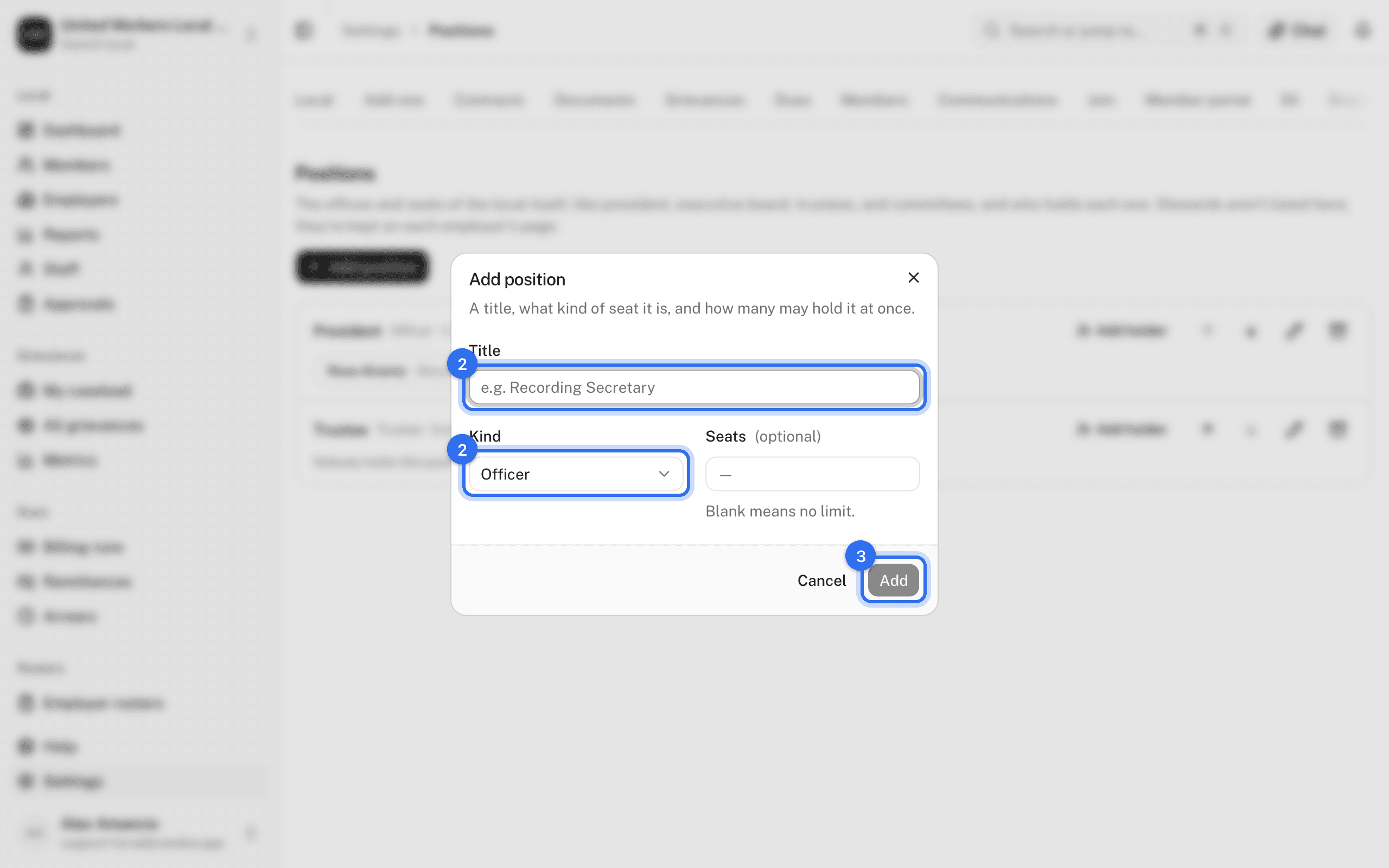
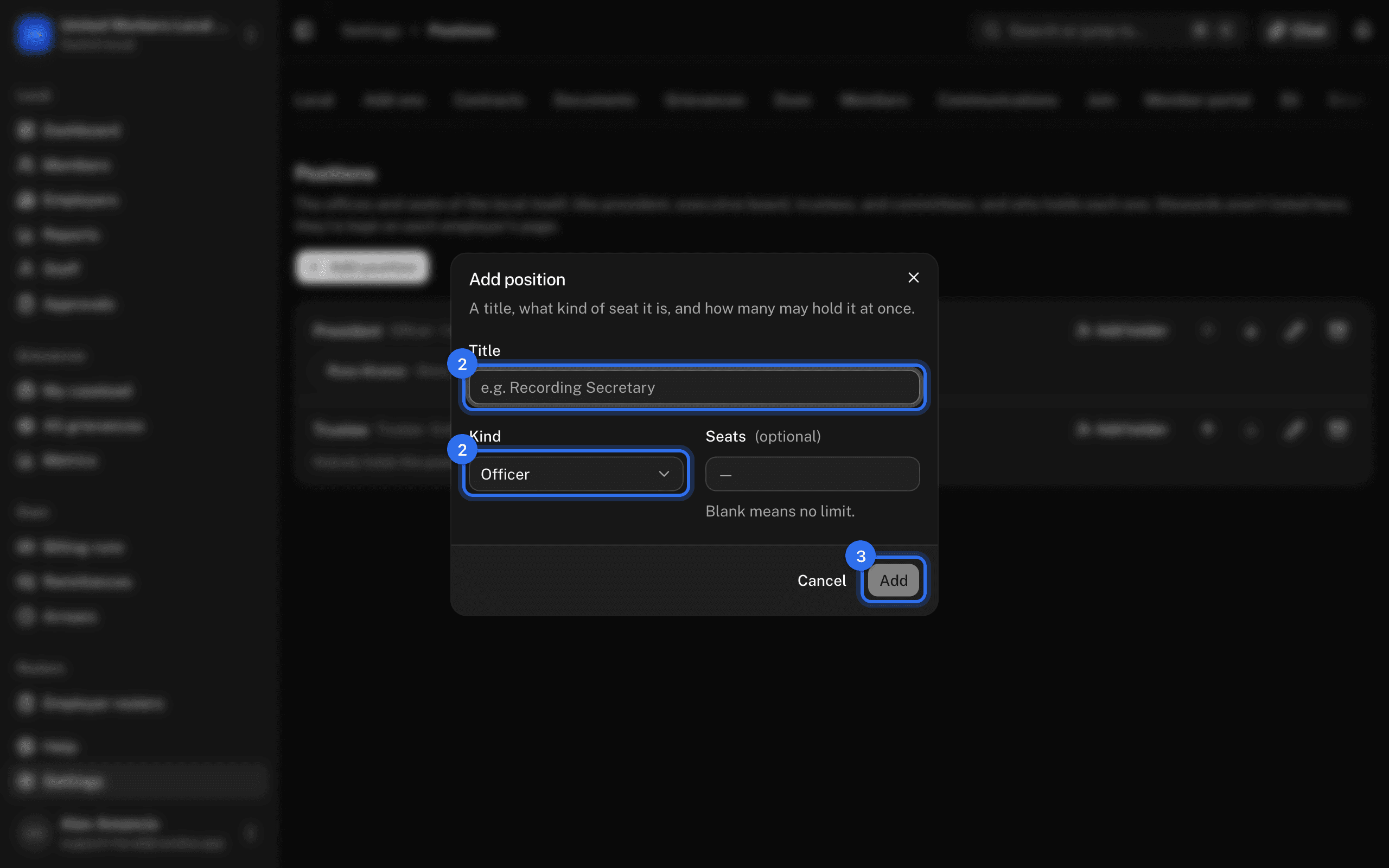
- Enter the Title, such as "Recording Secretary", pick the Kind (Officer, Executive board, Trustee, Committee, Delegate, Other), and set the number of Seats or leave it blank for no limit.
- Press Add position.
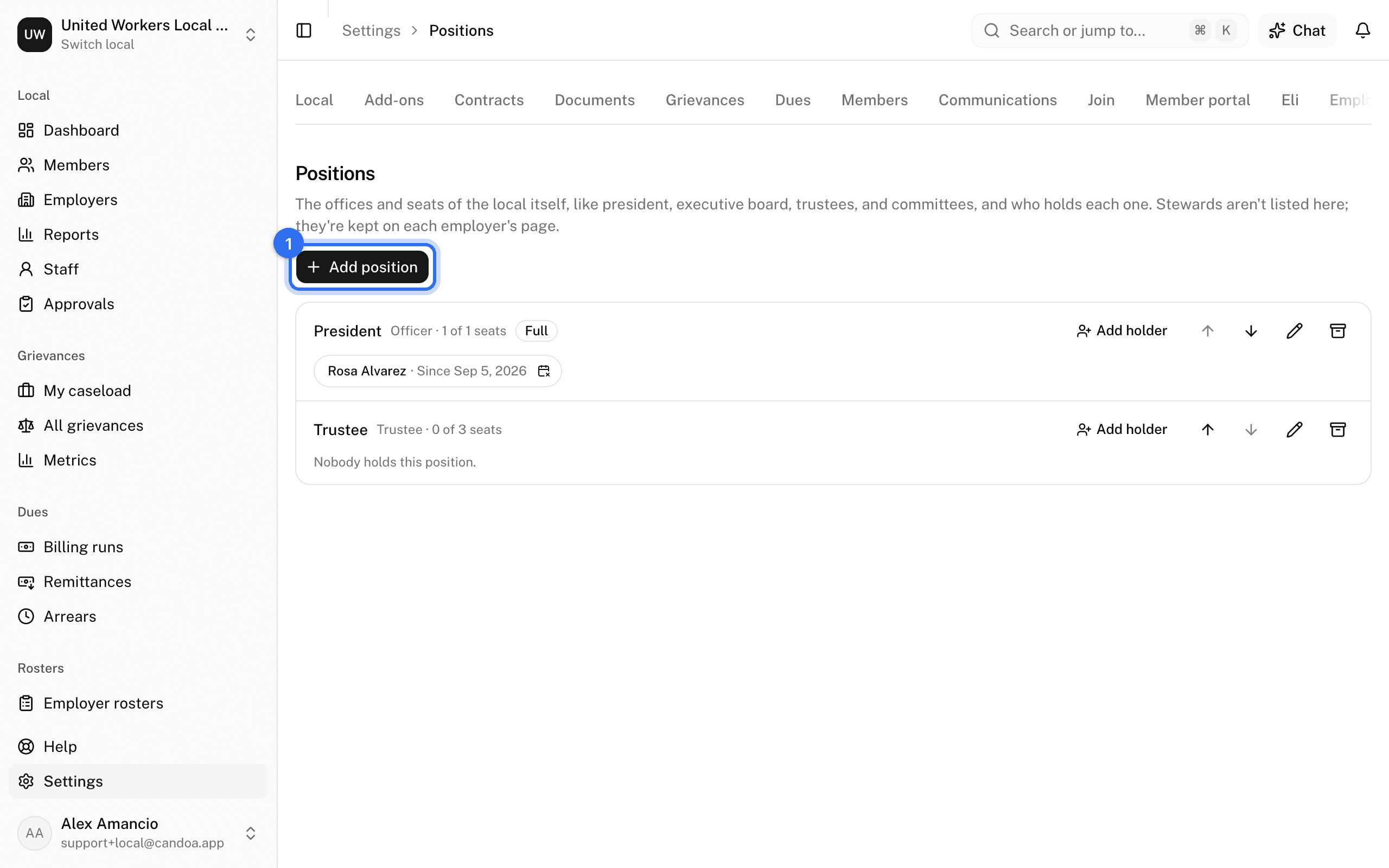
Use the arrows to order positions; that order is used everywhere, including the current officers on the Settings home.
Record who holds a position
- Under the position press Add holder, or on the member's record press Add position.
- Pick the Member (or the Position), set Since, and add a note if you like.
- Press Add holder.
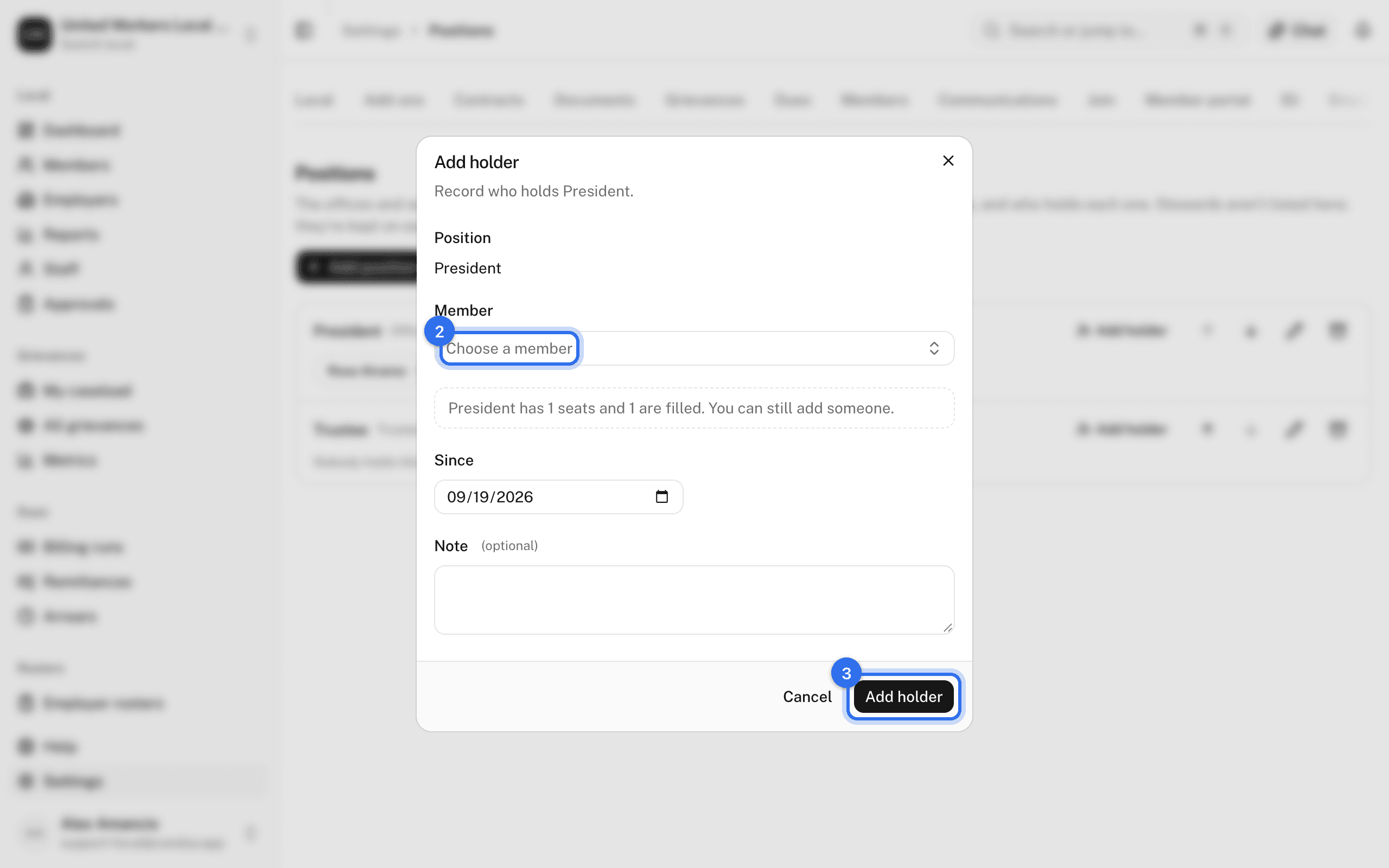
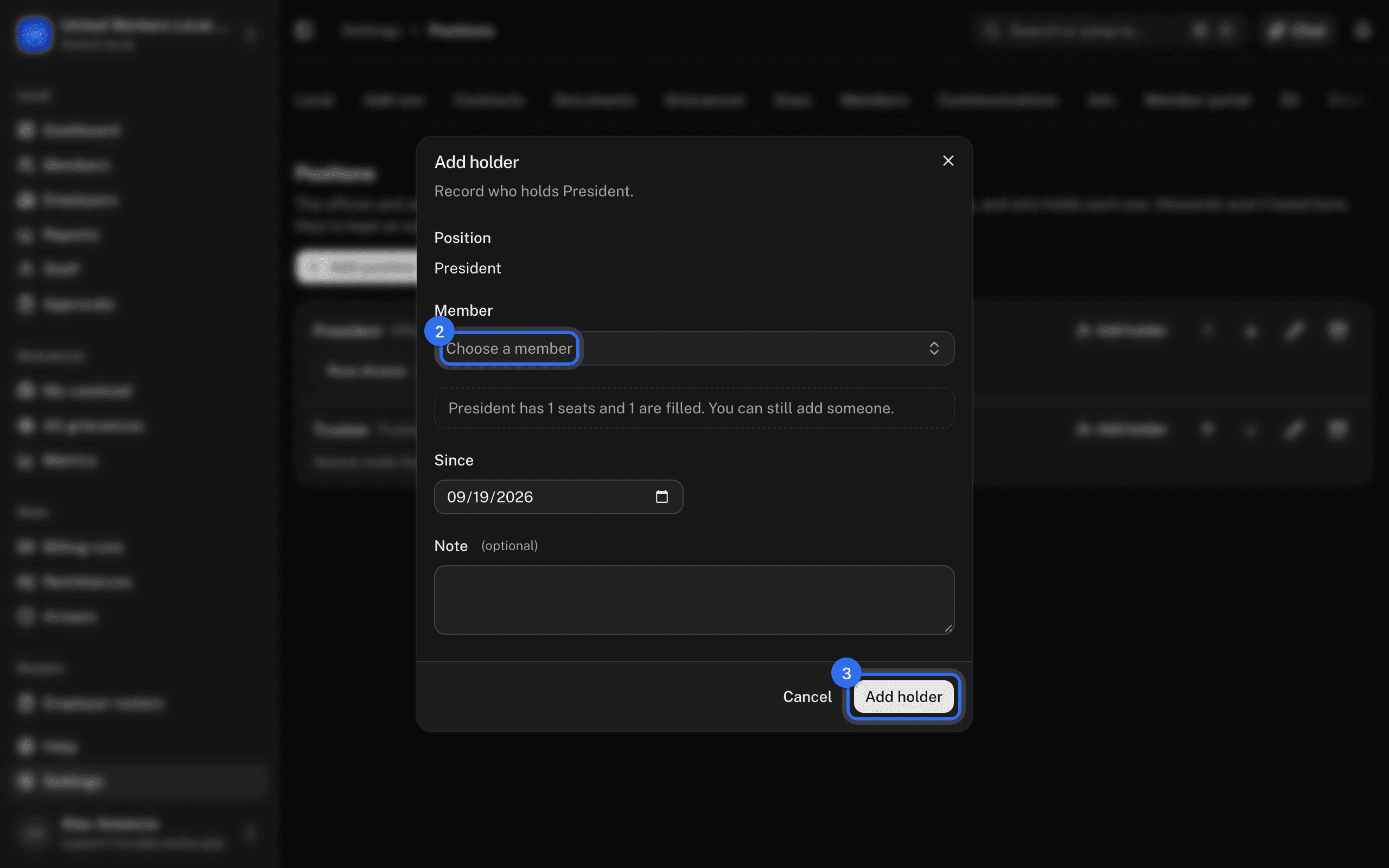
If the seats are already full you're warned but not stopped.
End someone's term
- Open the holder's menu and choose End position.
- Set the end date and press End position.
The person stays on their record as a past holder.
Retire a position
On the position's row press Retire position. It keeps its holders and history and leaves the pickers. Restore position brings it back.
These pages are the help for Candoa, the software a local runs its members, employers, and grievances on.
Set up your localUpdated 2026-09-15