Notifications and emails
What the bell shows, which emails Candoa sends and when, and how to turn them off.
The bell
The bell at the top of every screen holds what still needs you in this local, and nothing else. A number on it counts those items. Open it to see them under "What's new", newest first. Click one to open what it's about; it leaves the list once you have. Mark all as read empties the list.
To clear one item without opening it, point at it and press the tick at its end, Mark as read. On a phone the tick is always showing.
An item about something waiting in Approvals (a proposed change, a join application, a member's photo) leaves everyone's bell as soon as anyone decides it, because there is nothing left to do about it. While it waits, the item opens the queue; if you open it after a colleague has decided it, you land on the record it was about instead.
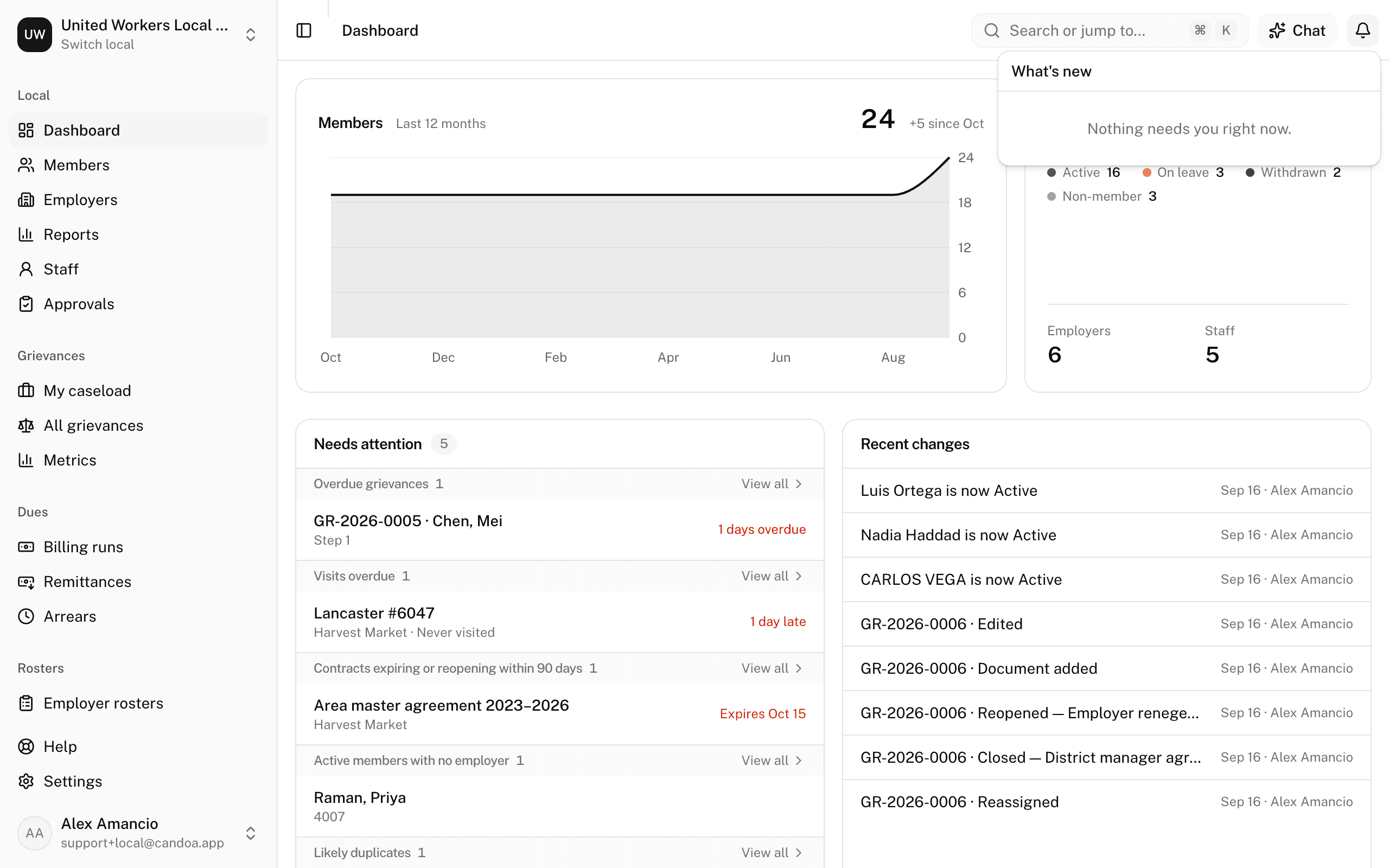
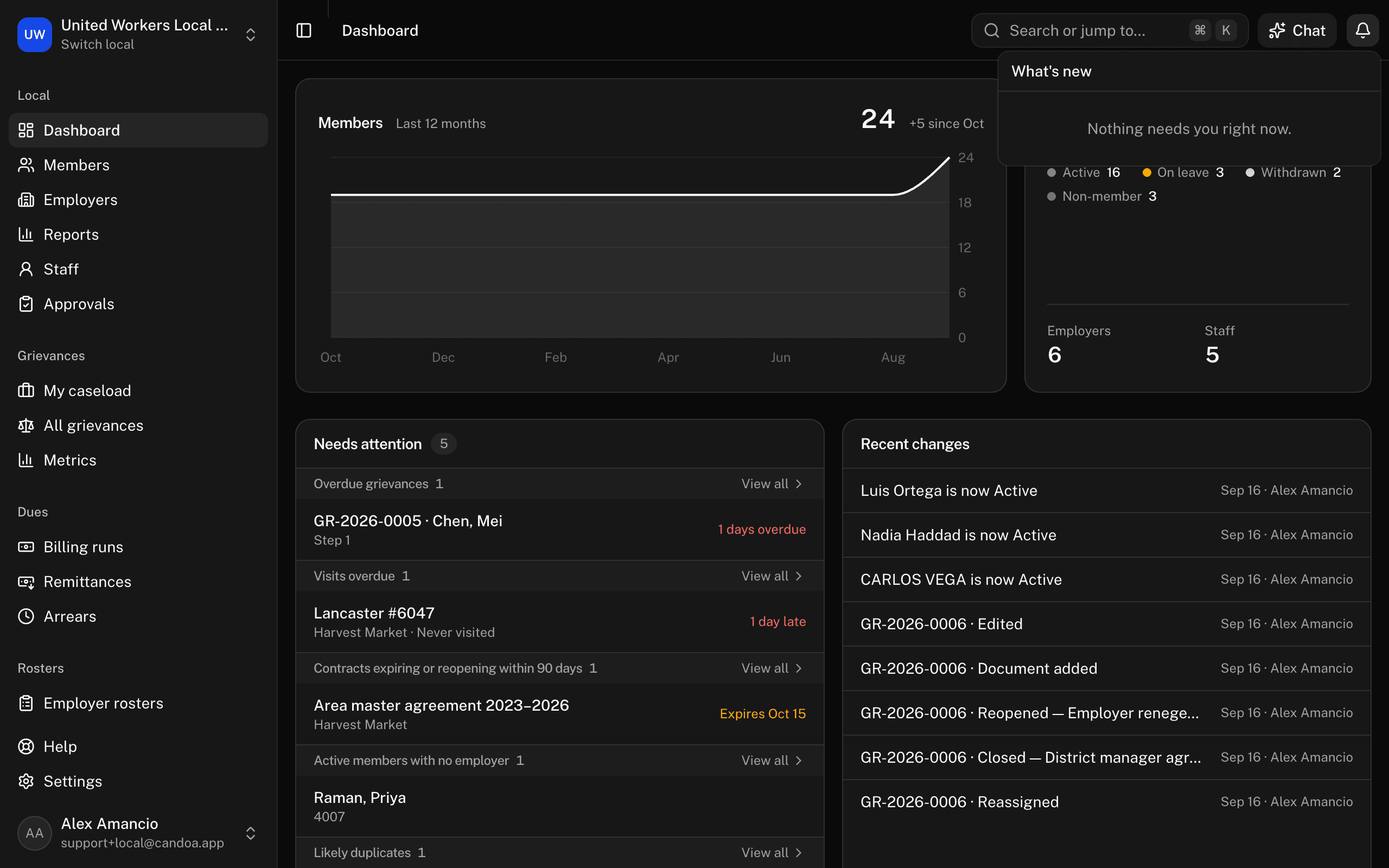
An item nobody clears goes on its own a month after it arrived. If an add-on is turned off, its items are hidden.
You never get a notice about your own action.
What arrives in the bell
- Someone proposed a change to a member or employer, if you can approve it.
- Your proposed change was approved or declined.
- Someone applied to join, if your local has the Join add-on and you can approve members.
- An import you started finished or failed.
- A grievance step assigned to you passed its due date.
- Members became delinquent on dues overnight, if your local has the Dues add-on and you can post dues. The item opens Arrears under Dues.
- Suspension letters are due, from the same morning check and to the same people.
- An add-on's free trial is ending, if you manage add-ons.
- The local's texting number was registered by the carriers, if your local has the Communications add-on and you manage add-ons. The item opens Settings › Communications.
- The local's texts for the month are running low, or used up and texting is paused, from the same add-on and to the same people. Each comes once a month.
Emails Candoa sends
About your account
- Confirm your email, when you create an account. The link lasts one hour.
- Reset your password, when you ask for it. One hour.
- Your sign-in code, when two-step sign-in is on. Five minutes.
- Confirm your new email, when you change your address.
- An invitation to a local. 48 hours.
About your work at a local
- Follow-up reminders, once a day, for notes whose follow-up date arrived.
- Approvals waiting, once a day, while proposed changes wait for you.
- Import finished, when an import you started ends.
- Weekly summary, Monday morning.
- Overdue grievance nudge, the day after a step assigned to you passes its due date, then at most once a week.
- Grievance daily digest, each evening, to owners and admins.
- Trial and billing notices, including when the local's texts for the month are running low or used up.
- The carriers turned the texting number down or asked for a correction, to everyone who manages add-ons.
Emails to members, such as a join link, go from the local's name and reply to the local's office email.
Turning them off
Open your Account page and untick what you don't need under "What this local tells you". Each switch quiets both the email and the bell item. The two dues items have their own switch, Dues arrears, which appears once your local has the Dues add-on. The texting items share the switch for trials and billing. Account emails, such as password resets, can't be turned off.
When they go out
Daily emails are sent in the morning and in the evening, once a day each. If a local has nothing to report, nothing is sent. The dues items arrive with the morning check, once a day for your local, and only when there is something to say: nobody is told that no members went behind.
These pages are the help for Candoa, the software a local runs its members, employers, and grievances on.
Set up your localUpdated 2026-09-17