Send feedback
Tell us something is broken or that you wish Candoa did something, through Eli, from wherever you are.
Anyone signed in can send us a note: something that's wrong, or something you wish Candoa did. It lands on our desk with the context we need, and we read every one. Nothing about your members goes with it.
Send feedback
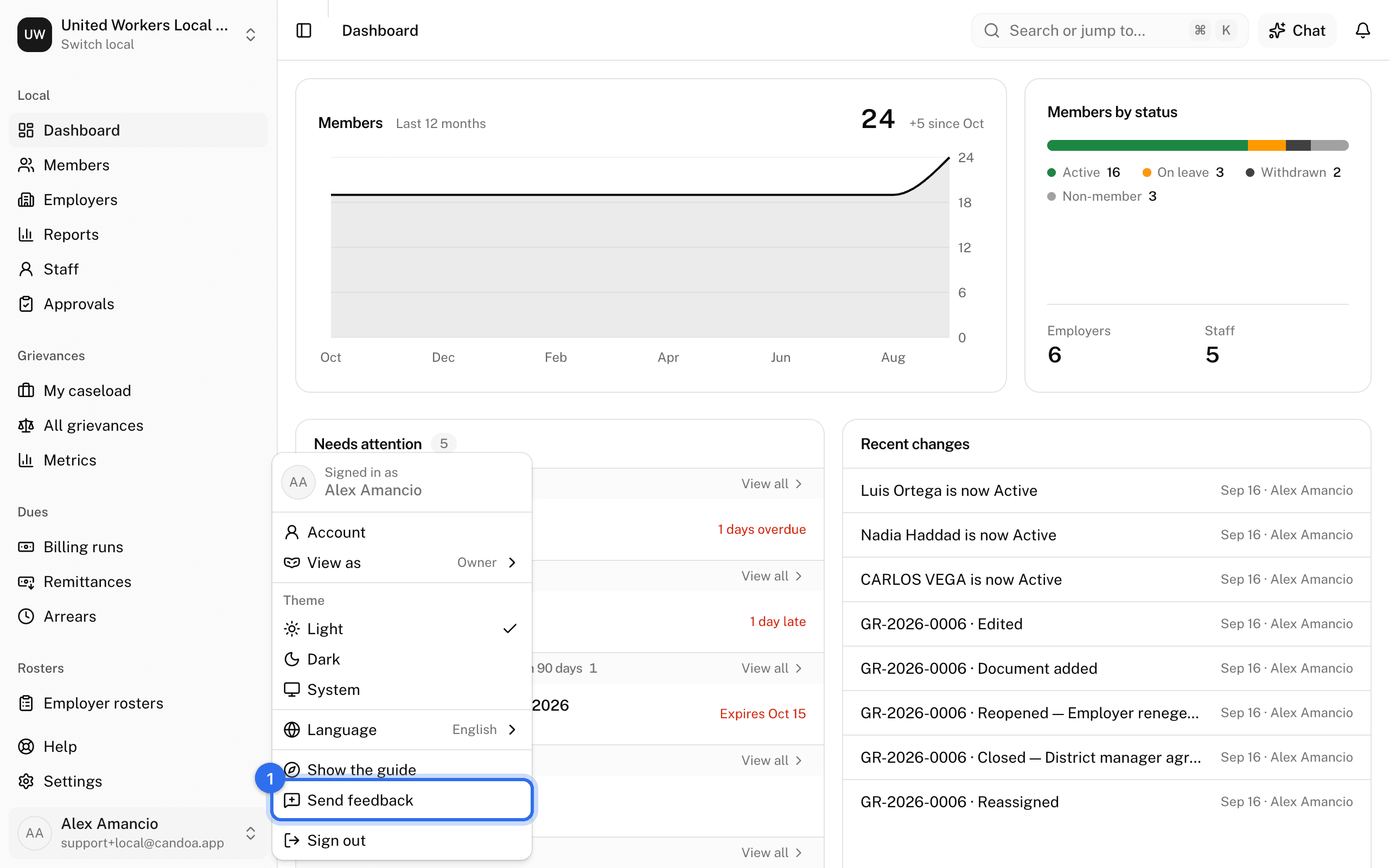
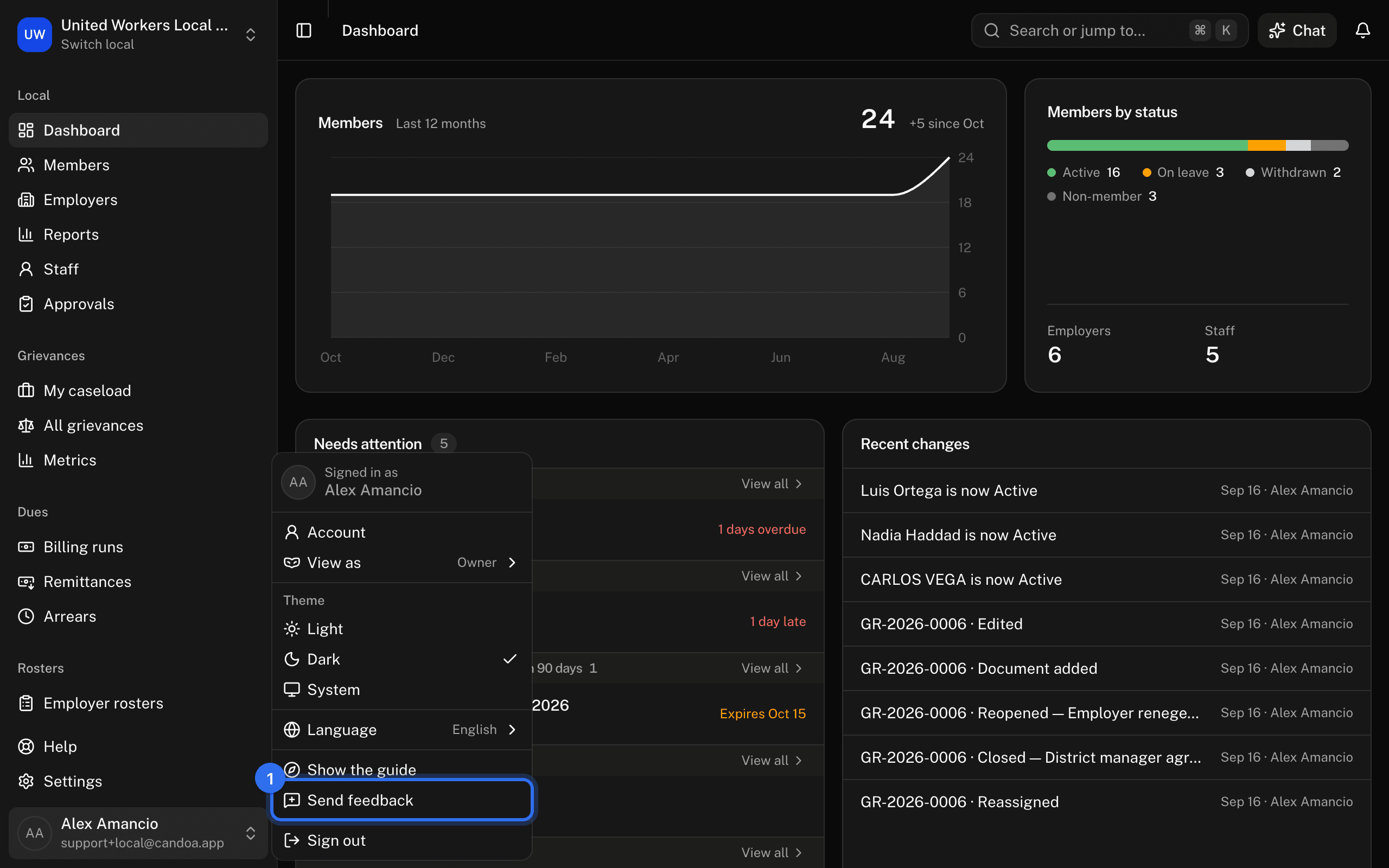
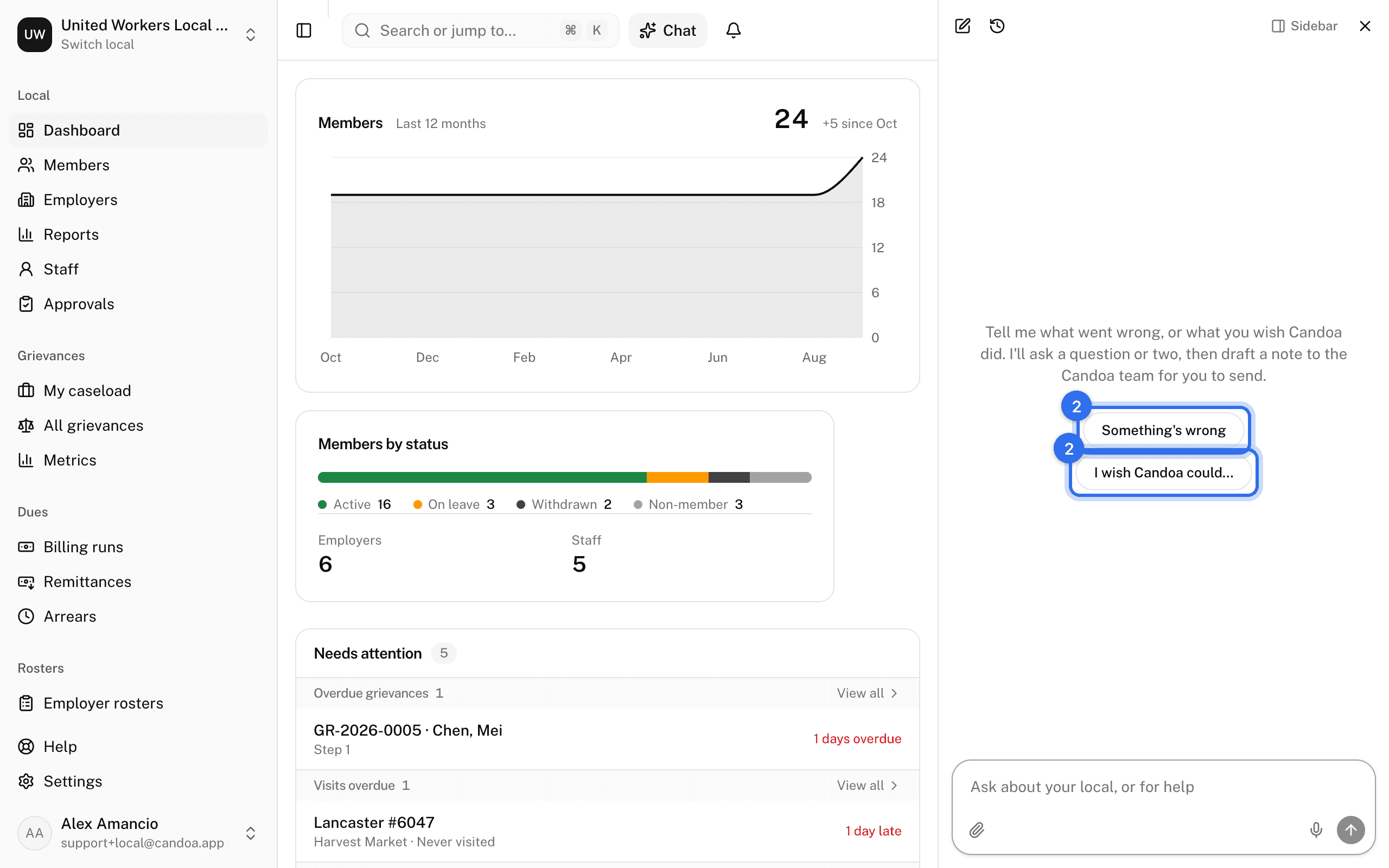
- Click your name at the bottom of the sidebar and choose Send feedback. It's also in the command palette (Cmd+K), and at the foot of every help page. Eli opens on a fresh conversation that starts with "Tell me what went wrong, or what you wish Candoa did." Eli also offers the same thing on its own when nothing in Candoa does what you asked; see Ask Eli.
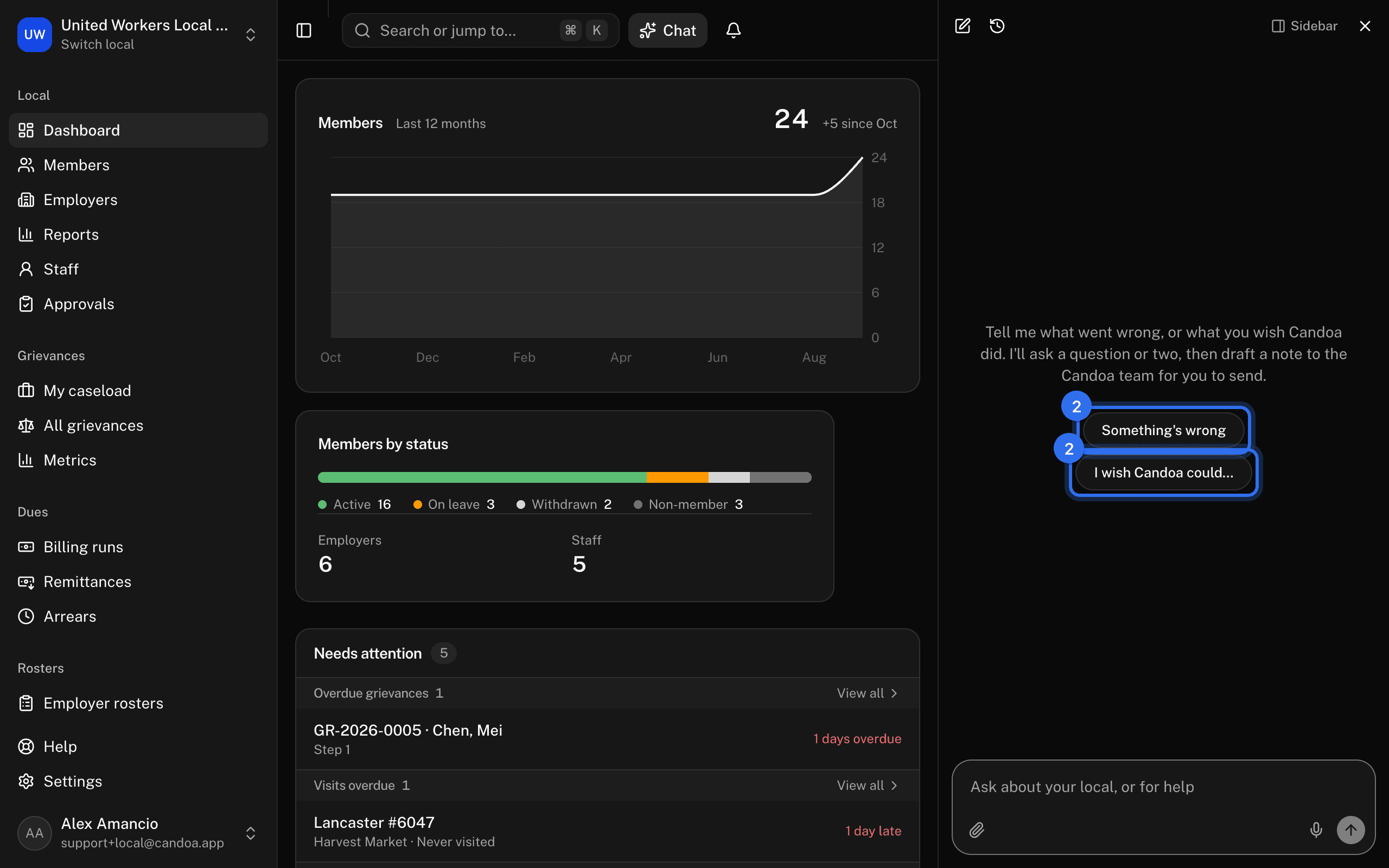
- Say what happened, or what you'd like to do. Press Something's wrong or I wish Candoa could… to start, or just type.
- Eli asks what a good report needs and you haven't said yet: what you were doing, what happened, and what you expected, or what you'd do with the thing you wish for. Never more than three questions. Say "just send it" and Eli drafts with what it has.
- Eli shows the draft in a card: the first line is the title we see, then your answers, then the page you were on. Edit it if you like, then press Send. Not now drops it.
To show us something, drop a screenshot into the chat (PNG, JPEG, or WebP up to 10 MB); Eli asks for one when something seems broken. Eli reads it and can describe what it shows in the draft, and when you press Send the image goes with the report: the card says how many are going. The image itself stays in Candoa's private store, where only you and the Candoa team can open it; it is never posted anywhere public.
What Candoa attaches for you
The page you were on, your local's name, your permission, your language, and which build of Candoa you saw. You don't have to describe any of that. What isn't attached: names, numbers, or anything from a member's record.
What happens next
We read every report. If we need more, we'll write to the email you sign in with. There's no list of what you've sent inside Candoa yet.
These pages are the help for Candoa, the software a local runs its members, employers, and grievances on.
Set up your localUpdated 2026-09-19