Custom fields and tags
Add your own fields to members and employers, and create, rename, merge, or retire tags.
Both are under Settings, for owners and admins.
A custom field is something your local keeps about members or employers that Candoa didn't predict: a training date, a district code, a COPE level. It shows on the record, as a column on the list, in the filters, in the import's column matching under Your fields, and in the CSV export.
A tag is a word your local sticks on members or employers to find them again: volunteer, COPE, new hire orientation, hard to reach.
Add a custom field
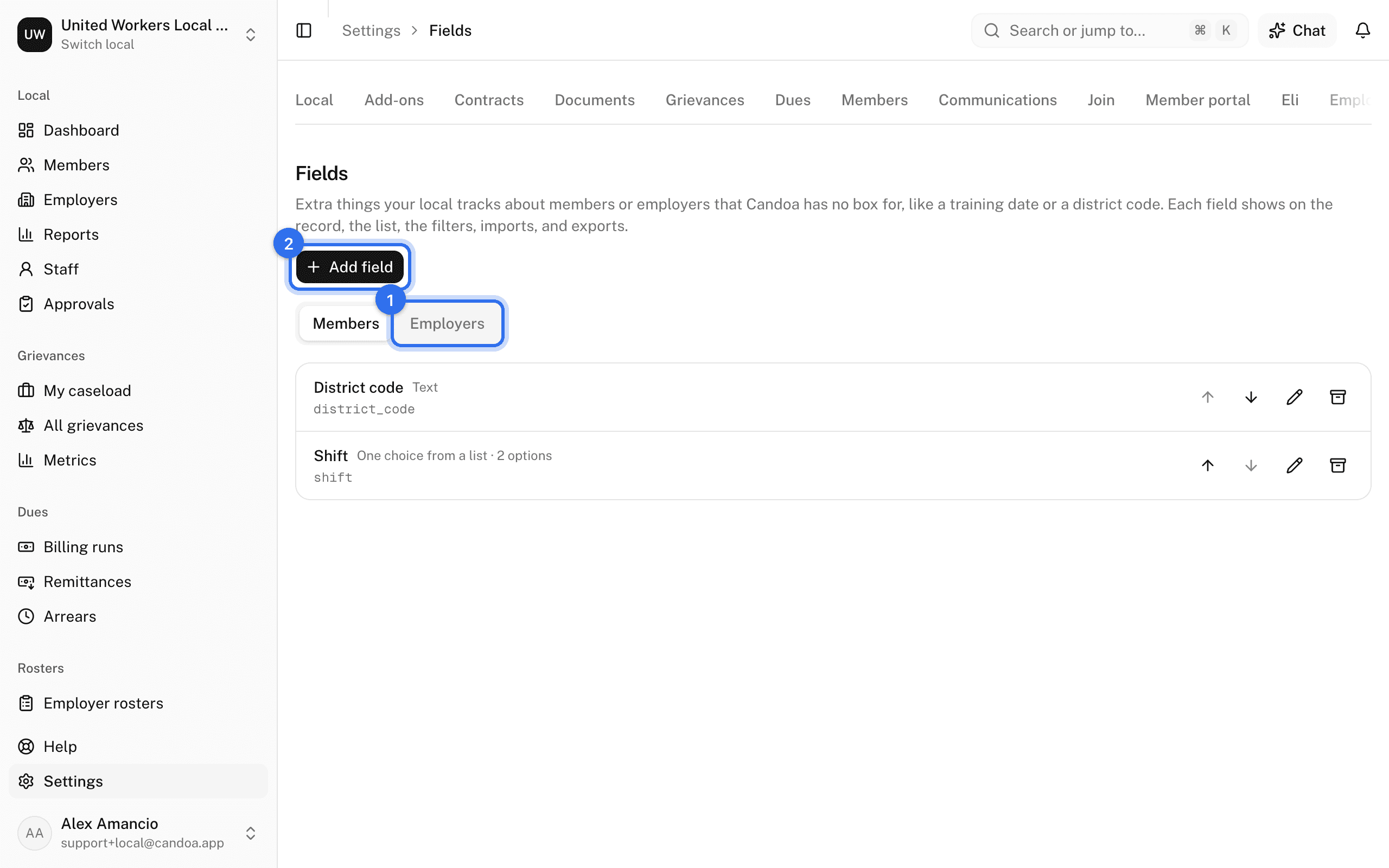
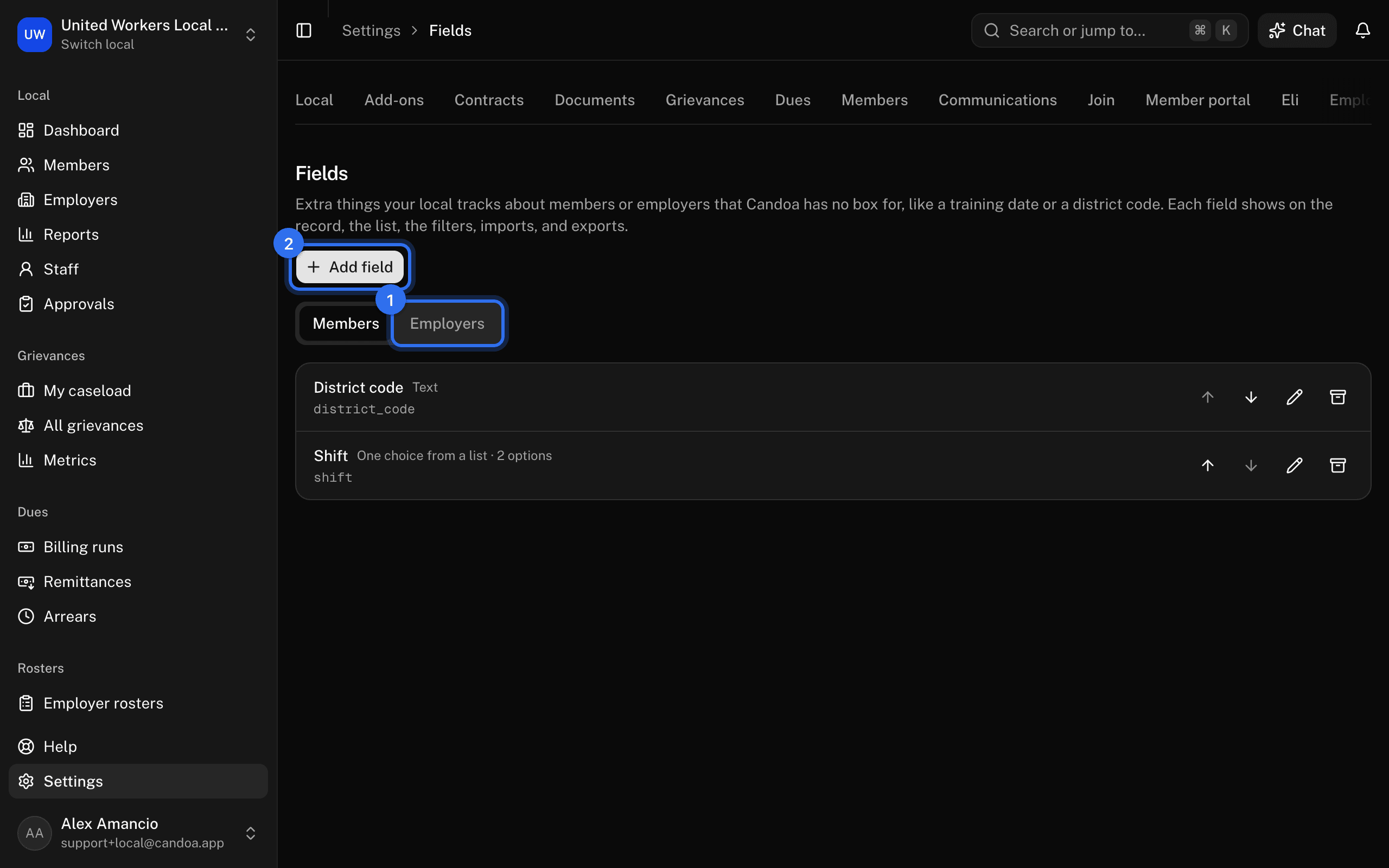
- Open Settings › Fields and choose Members or Employers at the top.
- Press Add field.
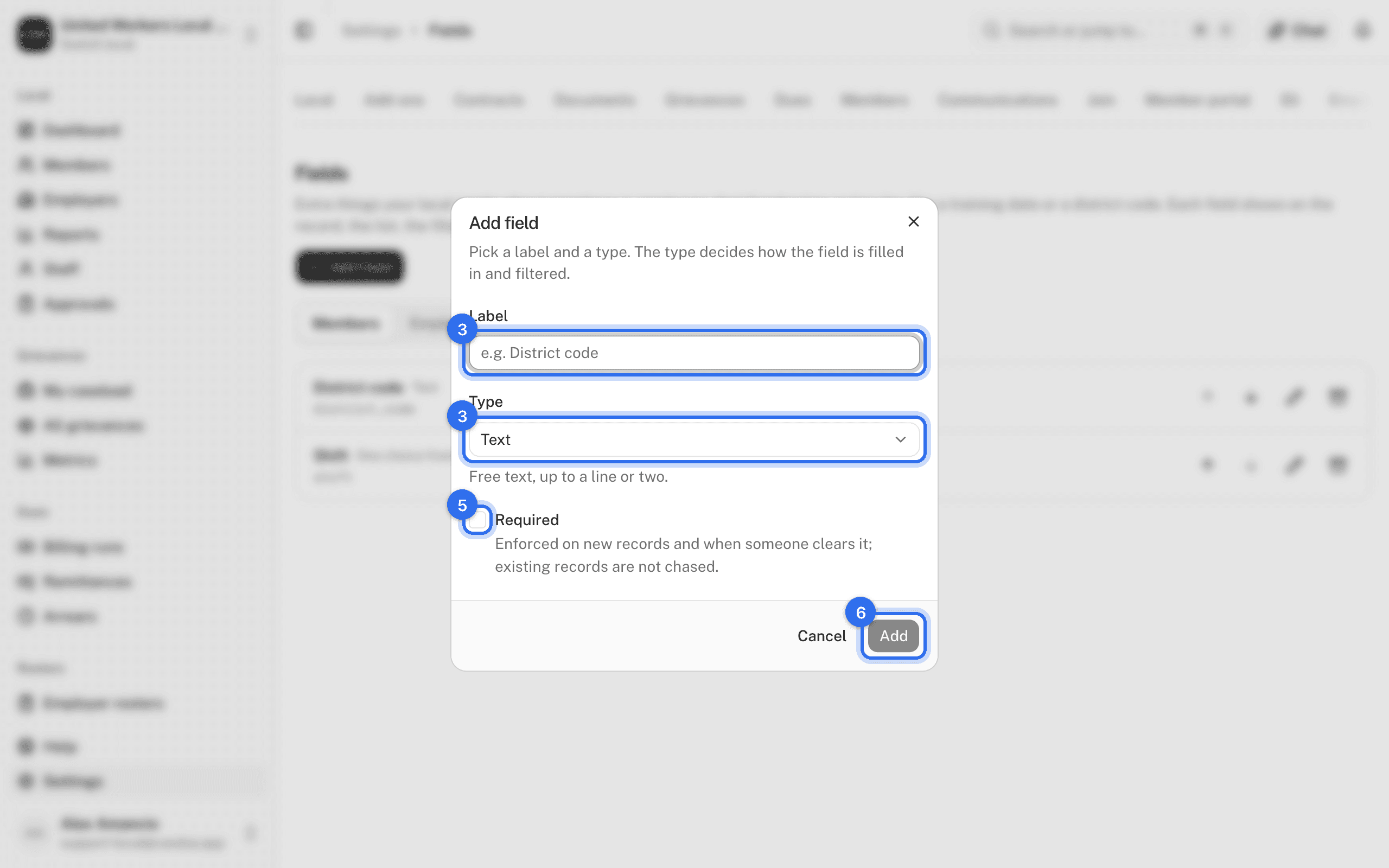
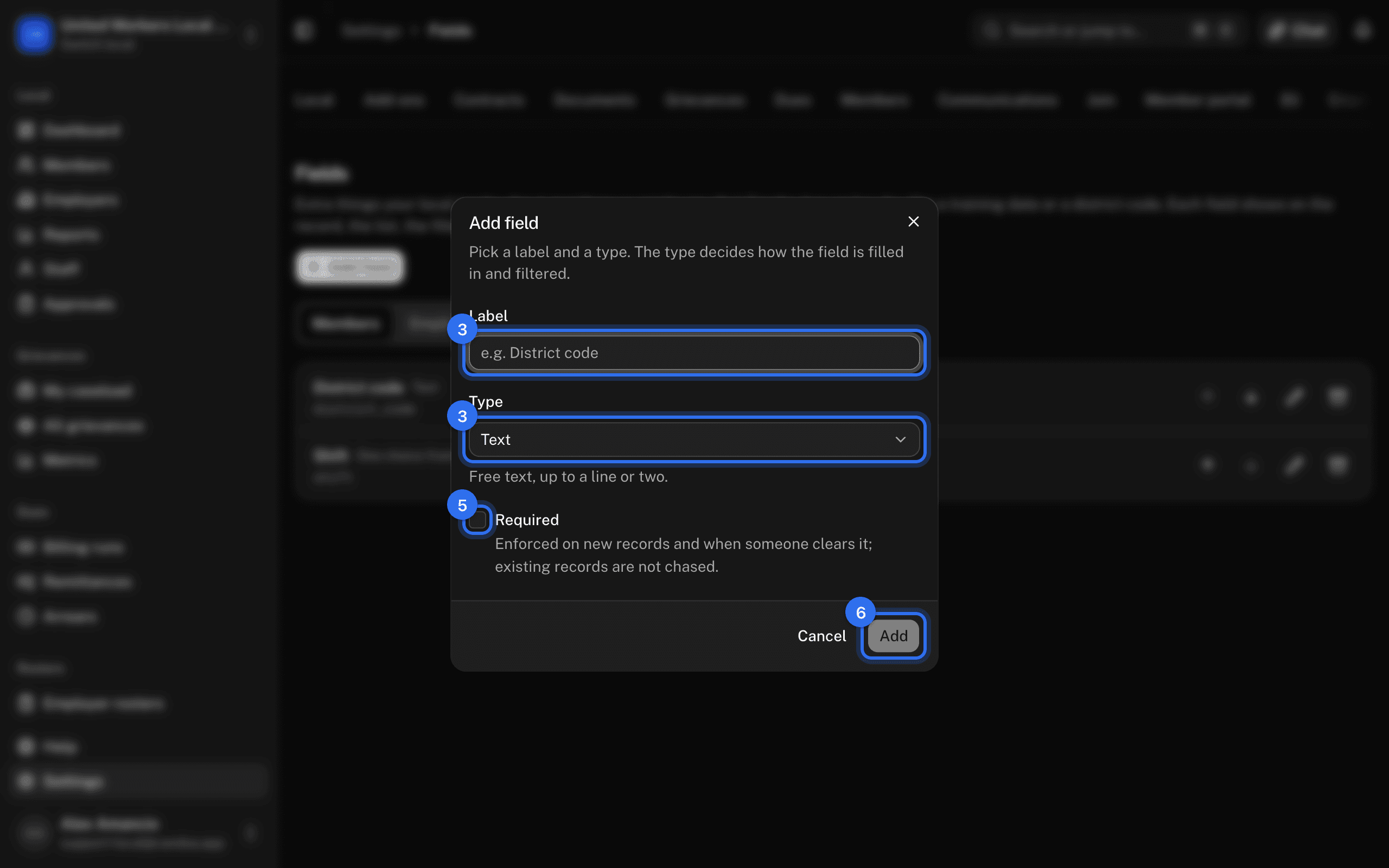
- Enter the Label and pick the Type: Text; Number; Date; Yes/No; One choice from a list; Several choices from a list.
- For a list type, enter the Options, one per line, in the order they should appear.
- Tick Required if new records must have it.
- Press Add field.
Each kind can have up to 30 fields; retire one to add another.
Change or retire a field
On the field's row use Move up, Move down, Edit field, or Retire field. Renaming an option renames it on every record that has it; removing an option leaves records as they are.
Add a tag
- Open Settings › Tags.
- Type the Tag name, pick a Color, and press Add.
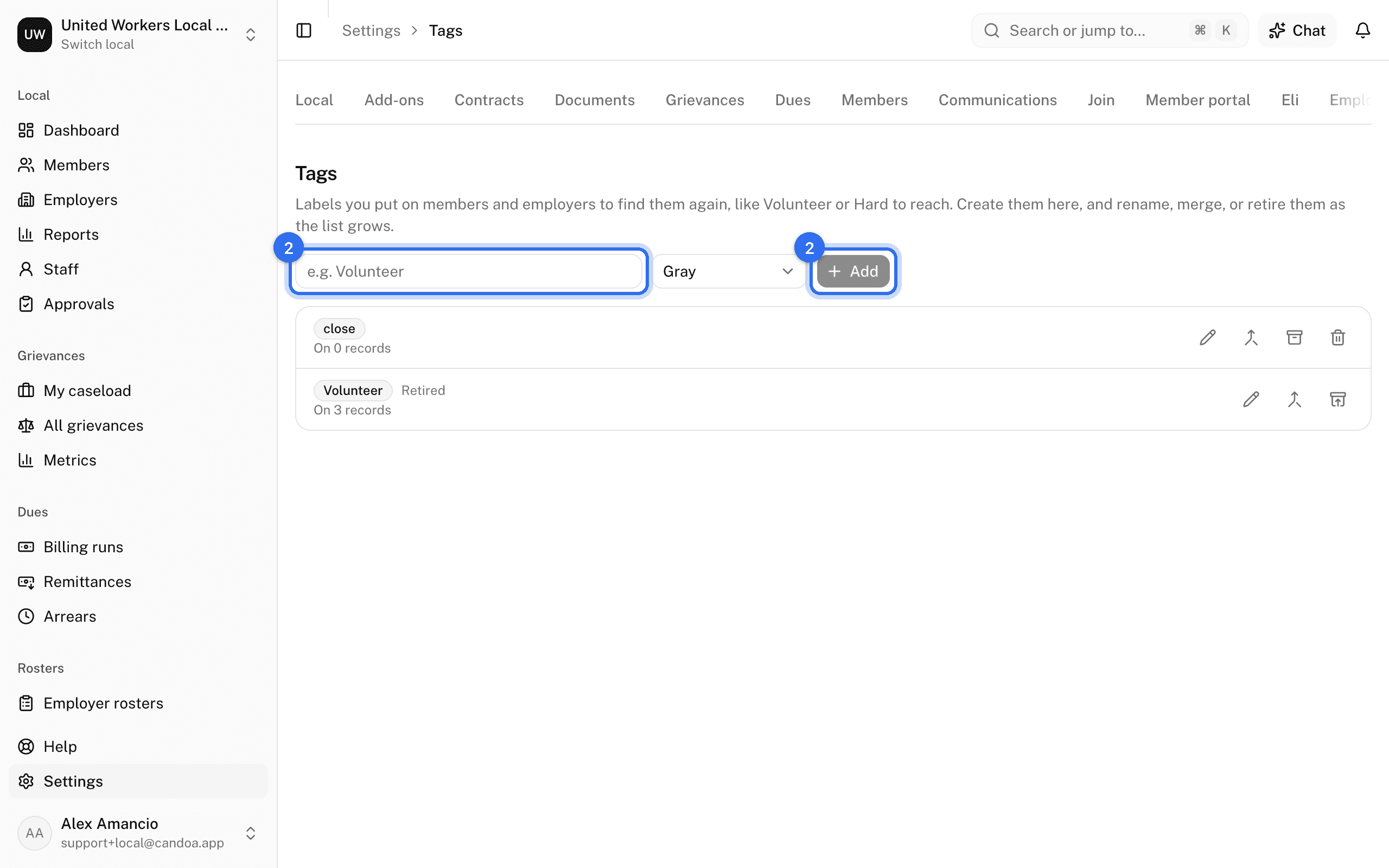
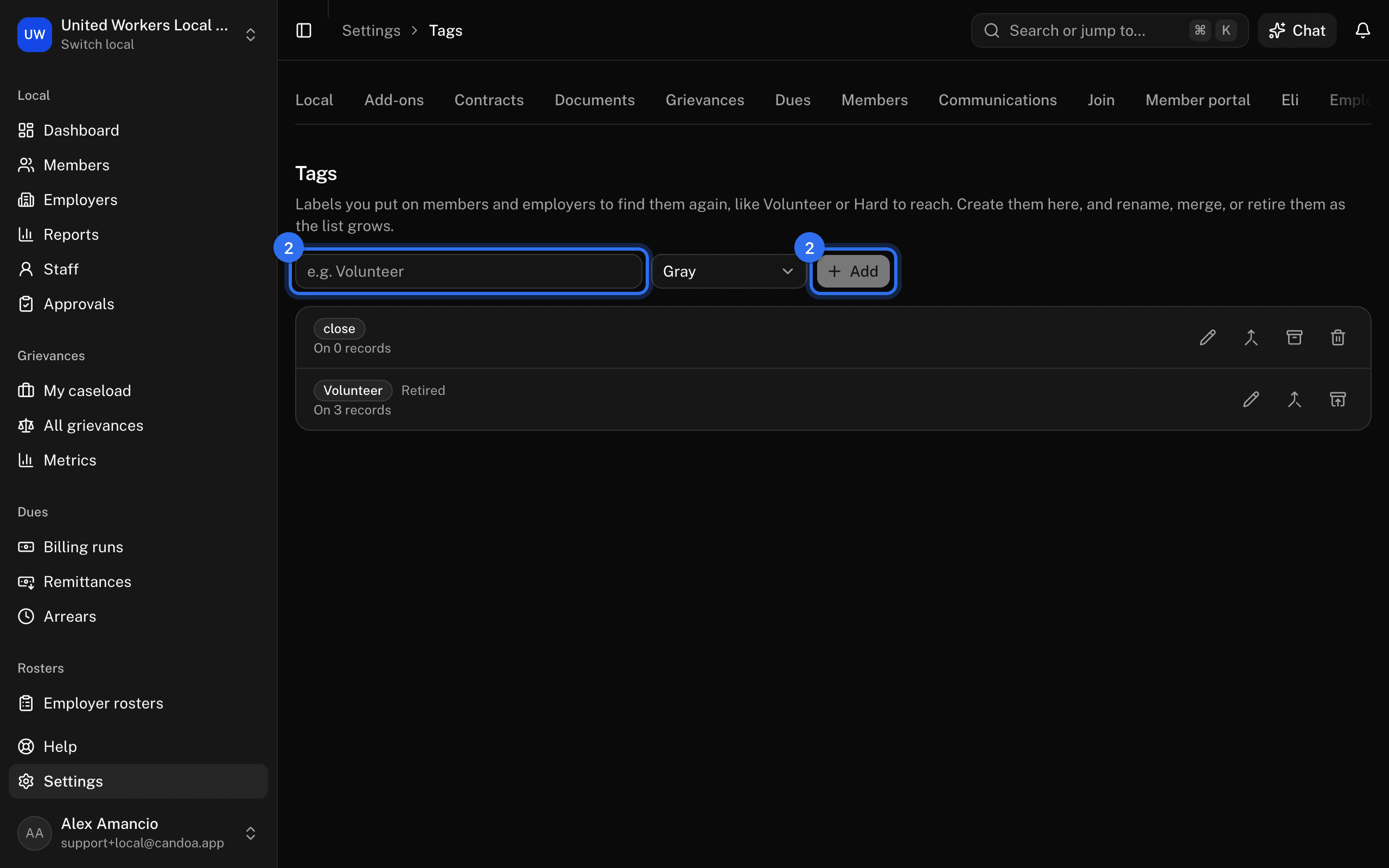
Tags are applied on a record by anyone who can edit it. Owners and admins can also create a tag straight from a record. An import that names a tag that doesn't exist stops that row, so add tags here first.
Rename, merge, or retire a tag
On the tag's row: Rename or recolor changes it everywhere; Merge into another tag moves every use onto the tag you pick and removes this one; Retire keeps it on its records but takes it out of the picker.
These pages are the help for Candoa, the software a local runs its members, employers, and grievances on.
Set up your localUpdated 2026-09-15