The case lists
Find a case, filter All grievances, see your own caseload, and choose columns.
Open all grievances
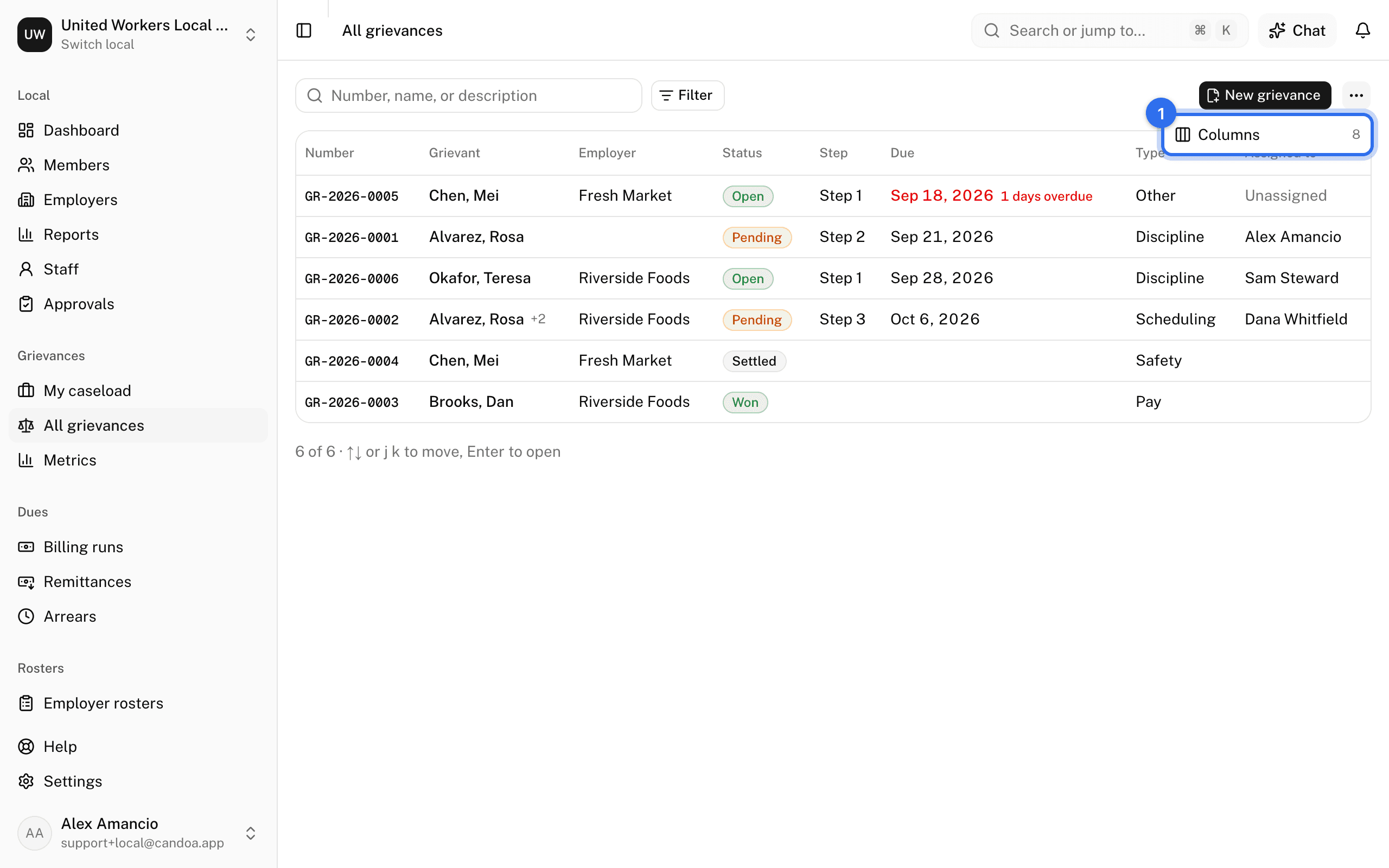
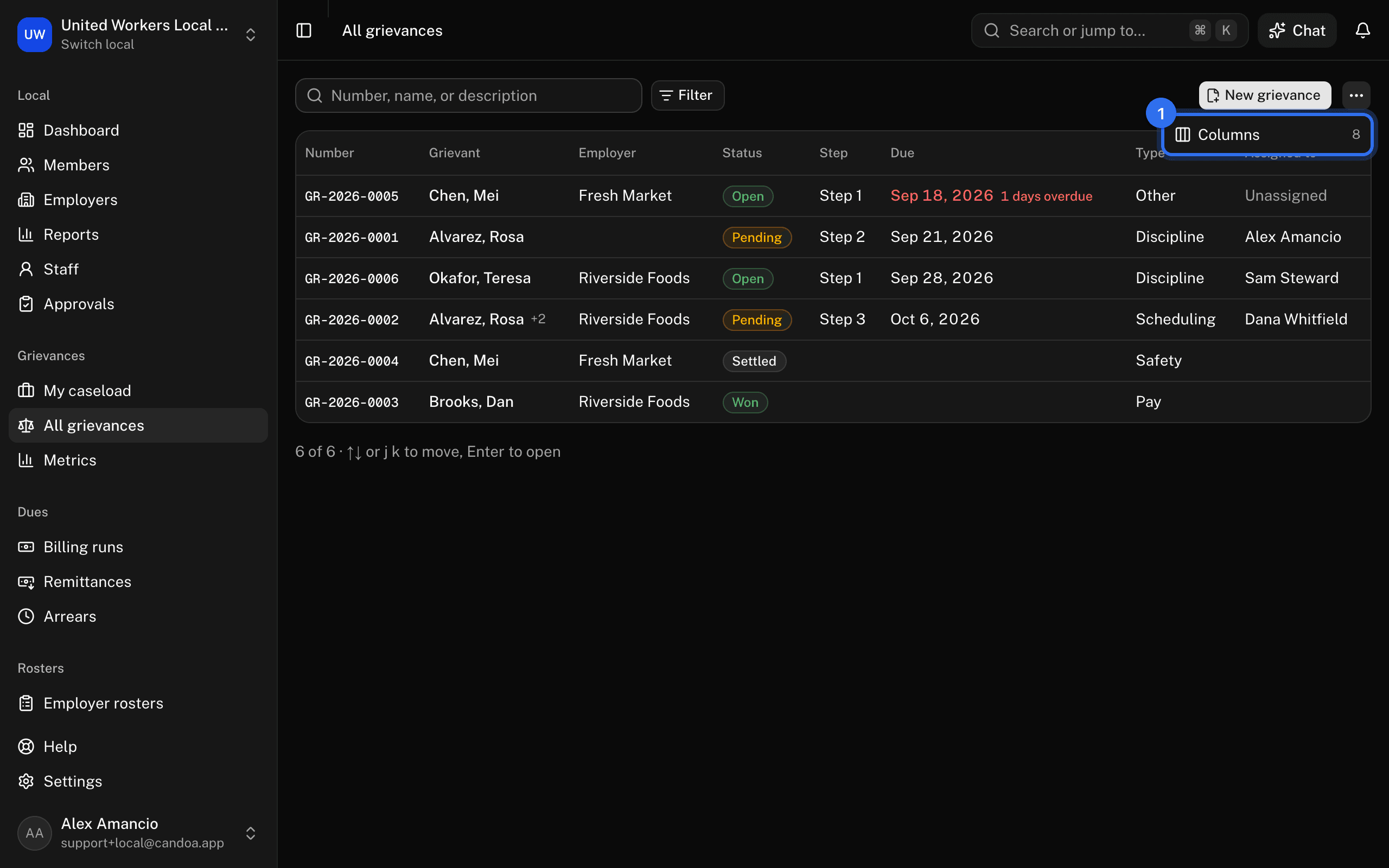
Click All grievances in the sidebar, or press g then g. Every case in the local you're allowed to see, active ones first, then by due date, then newest.
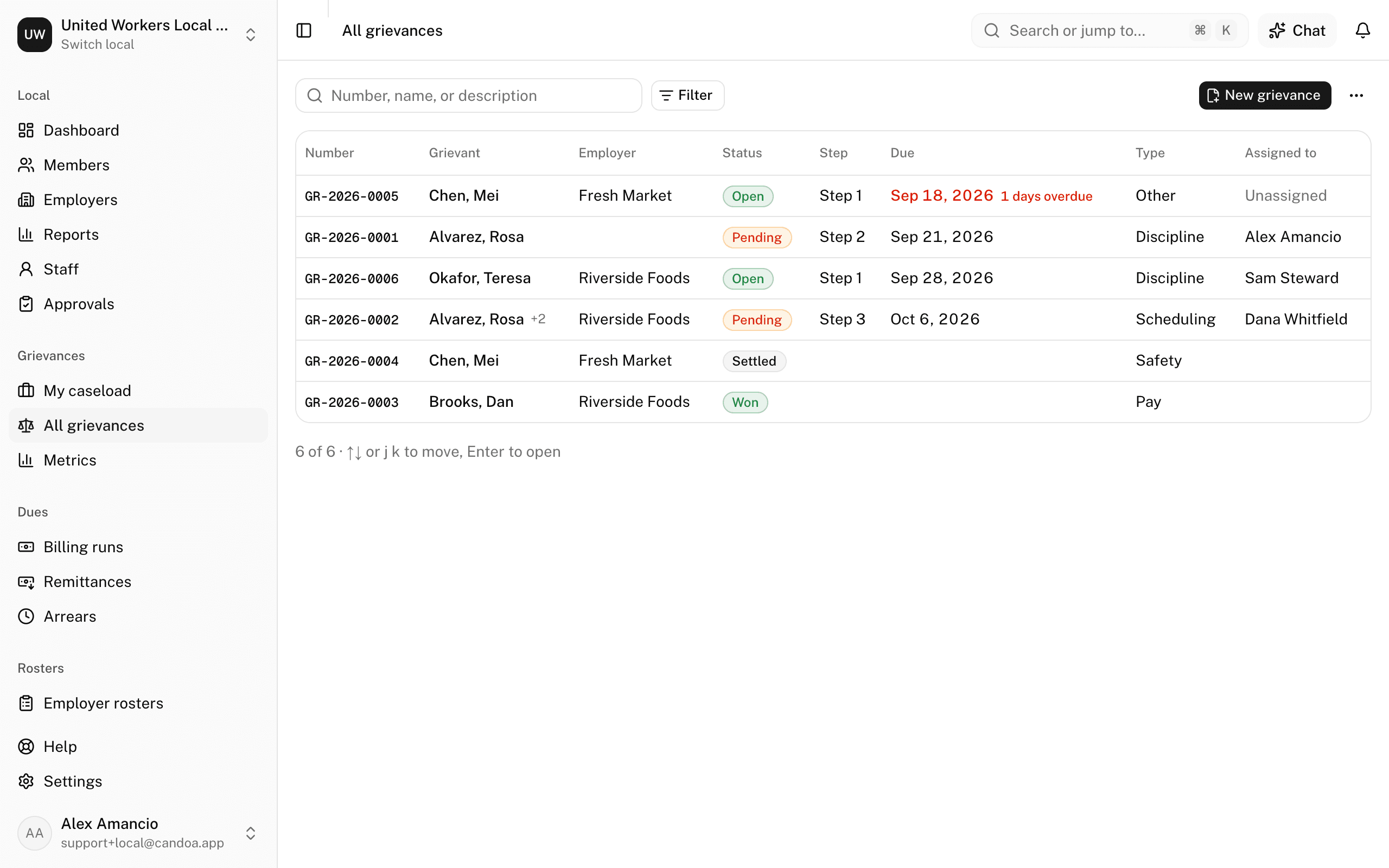
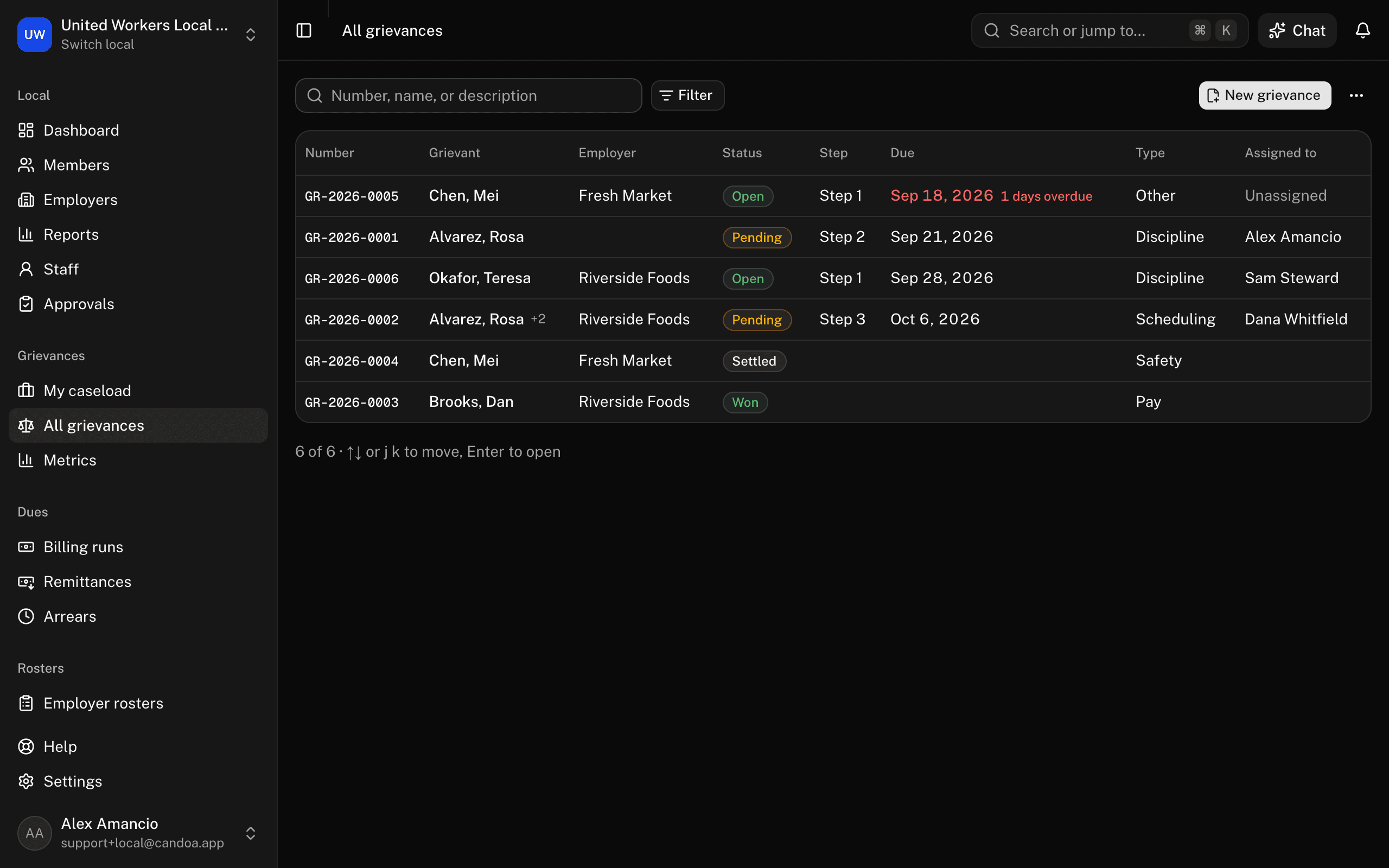
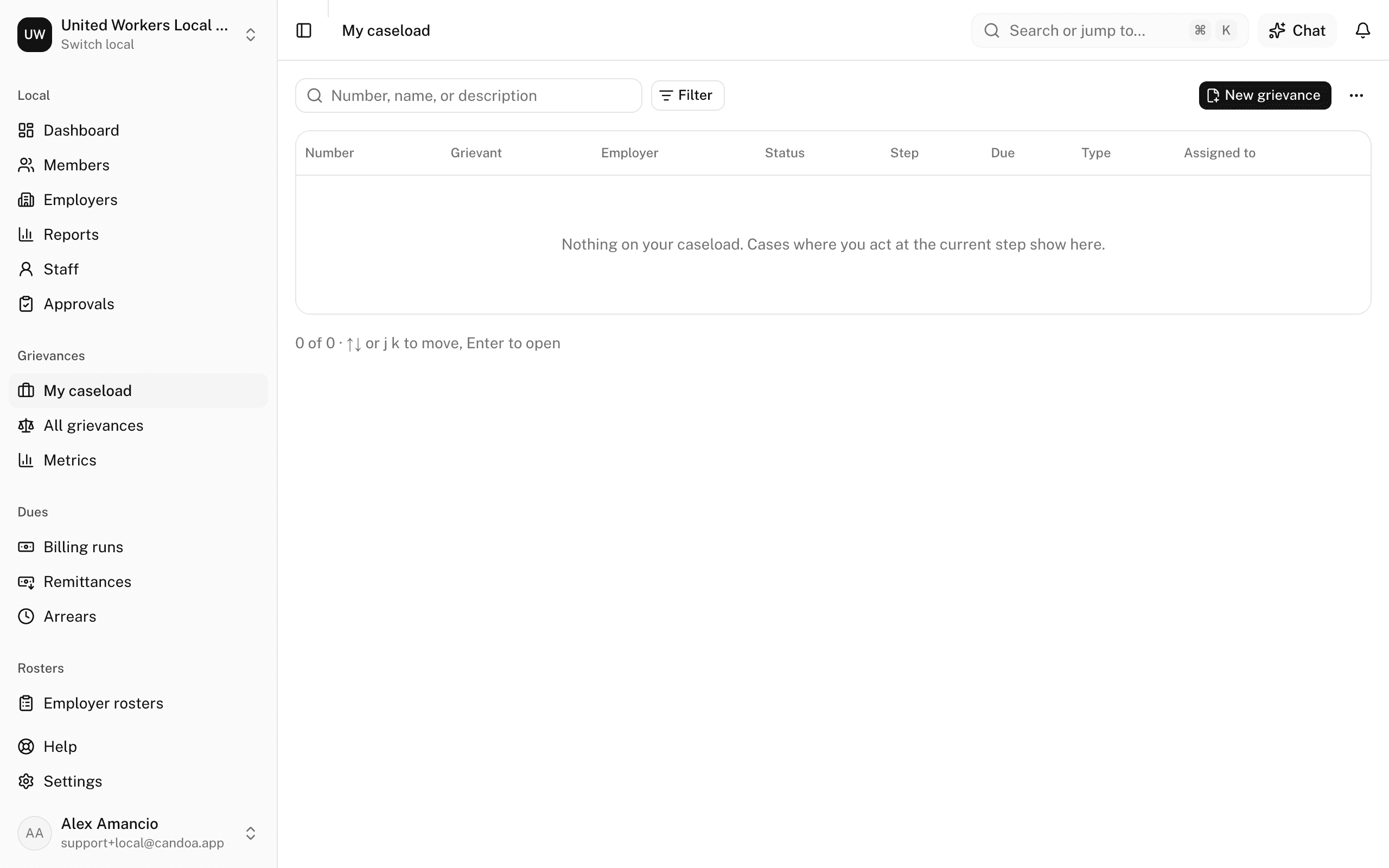
Columns: Number, Grievant (with +N for a class grievance), Employer, Status, Step, Due, Type, Assigned to. A due date that has passed turns red with the days overdue.
Find a case
Type the case number, a grievant's name, or words from the description in the search box. Click a row to open the case. Arrows or j and k move, Enter opens.
Filter the list
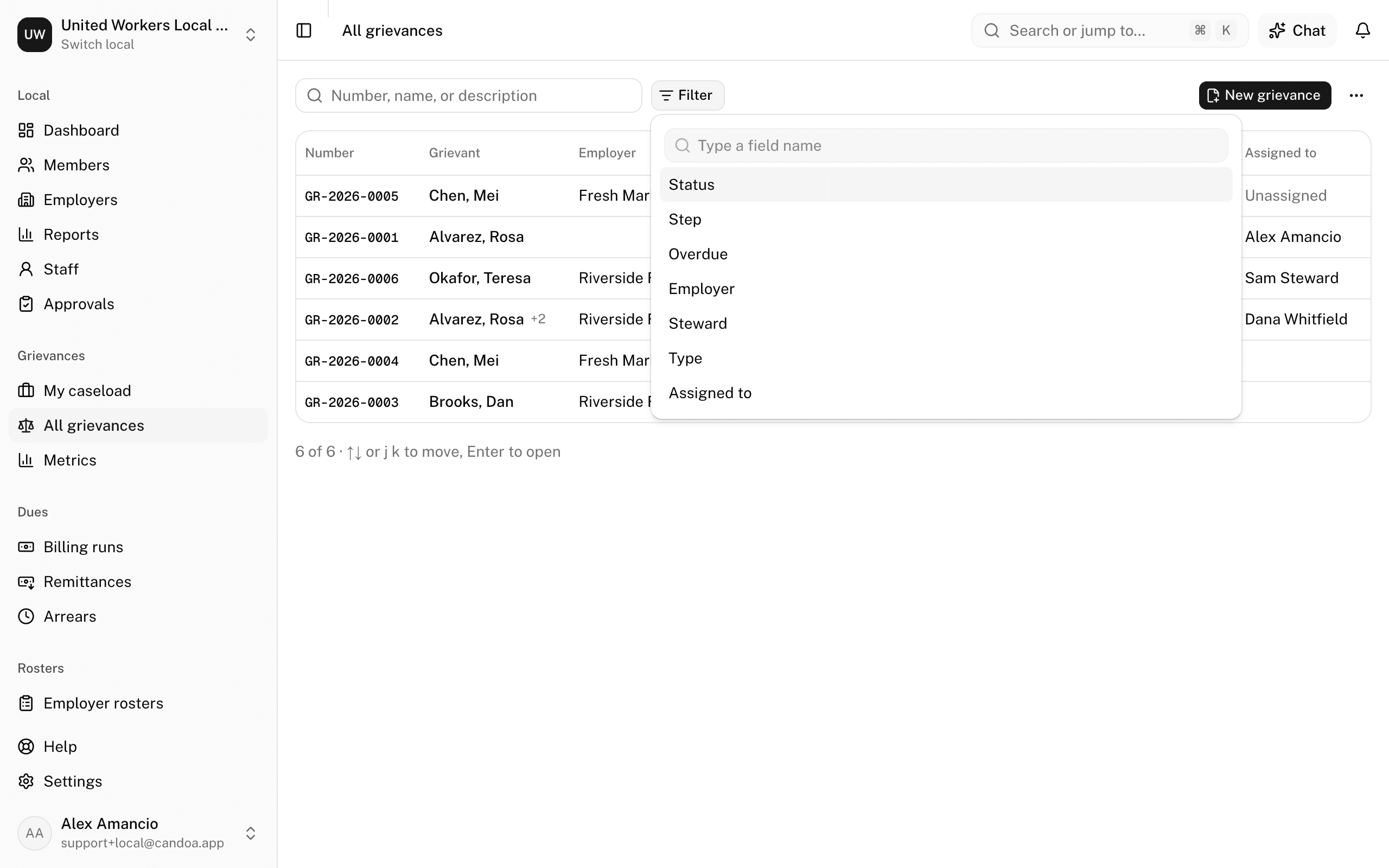
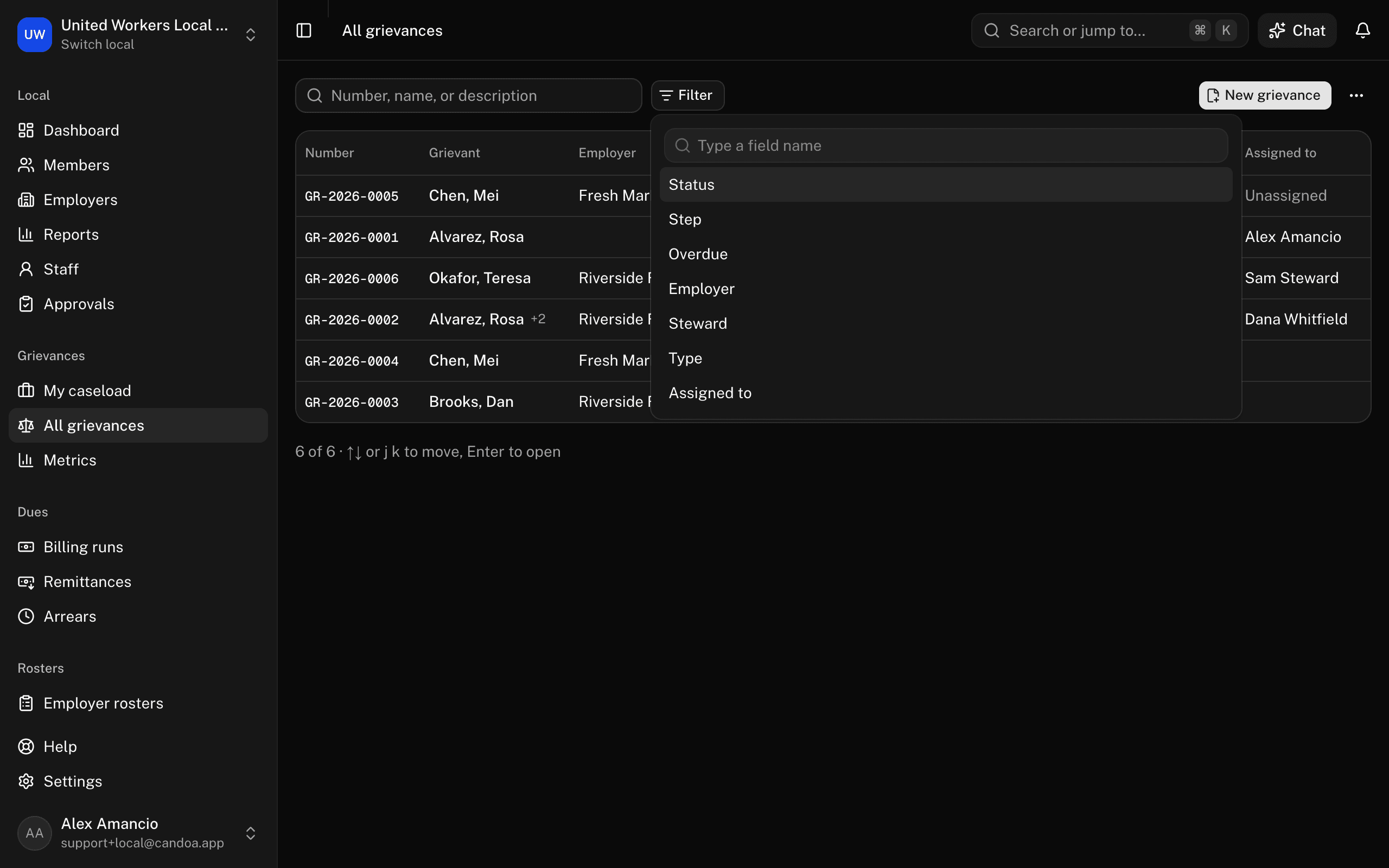
Press Filter and add conditions on Status, Step, Overdue, Employer, Steward, Type, or Assigned to. Clear removes them. Case lists have no saved views or bulk actions.
Choose columns
- Open the ⋯ menu at the end of the toolbar and choose Columns (the number beside it is how many are on). The columns shown are ticked at the top, in the order the table has them.
- Tick a field under More columns to add it at the end: Grievant, Employer, Status, Step, Due, Type, or Assigned to.
- Drag a ticked field by its handle to change the order, or use the arrows beside it to move it up or down. The table follows as you go.
- Untick a field to drop it. Number always stays, and stays first.
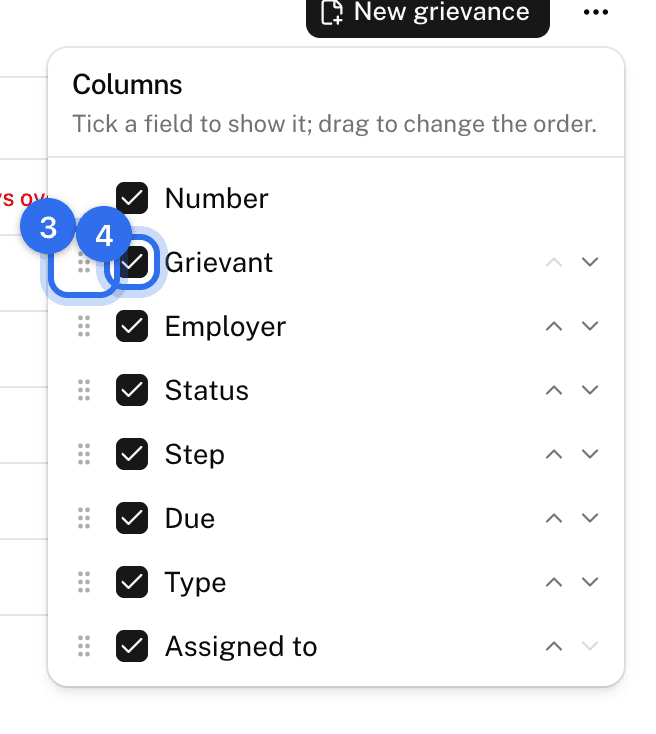
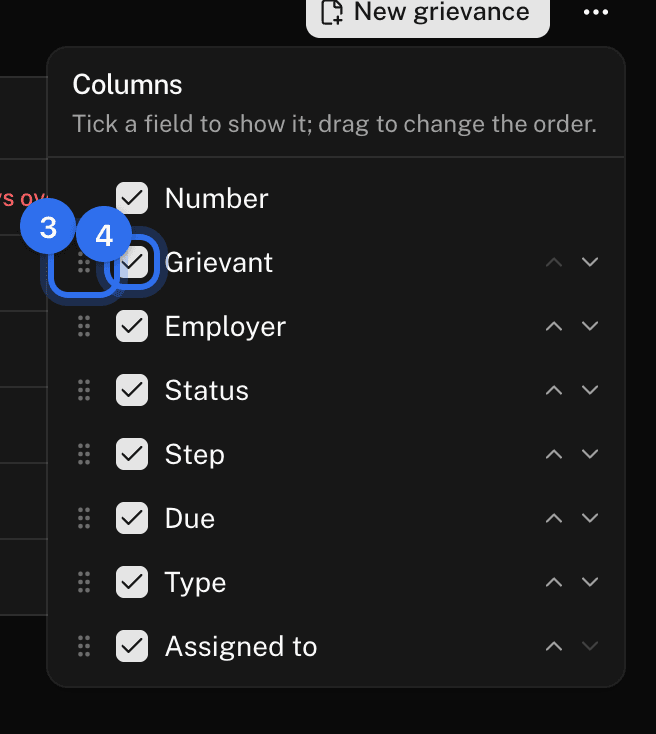
The picker stays open while you work through it. Your columns and their order are remembered on this browser; All grievances and My caseload each remember their own.
See your own caseload
Click My caseload in the sidebar, or press g then l. It lists the cases where you act at the current step, active ones only unless you add a Status filter. Being the business agent or having filed a case doesn't put it here; being assigned the current step does.
Understand statuses and types
Open and Pending are active. Settled, Won, Lost, Withdrawn, and Closed are the outcomes a case closes with. Types are Discipline, Contract interpretation, Pay, Scheduling, Safety, and Other; the list is fixed.
These pages are the help for Candoa, the software a local runs its members, employers, and grievances on.
Set up your localUpdated 2026-09-15