Industries
Add the kinds of business employers fall into, retire one, or remove one.
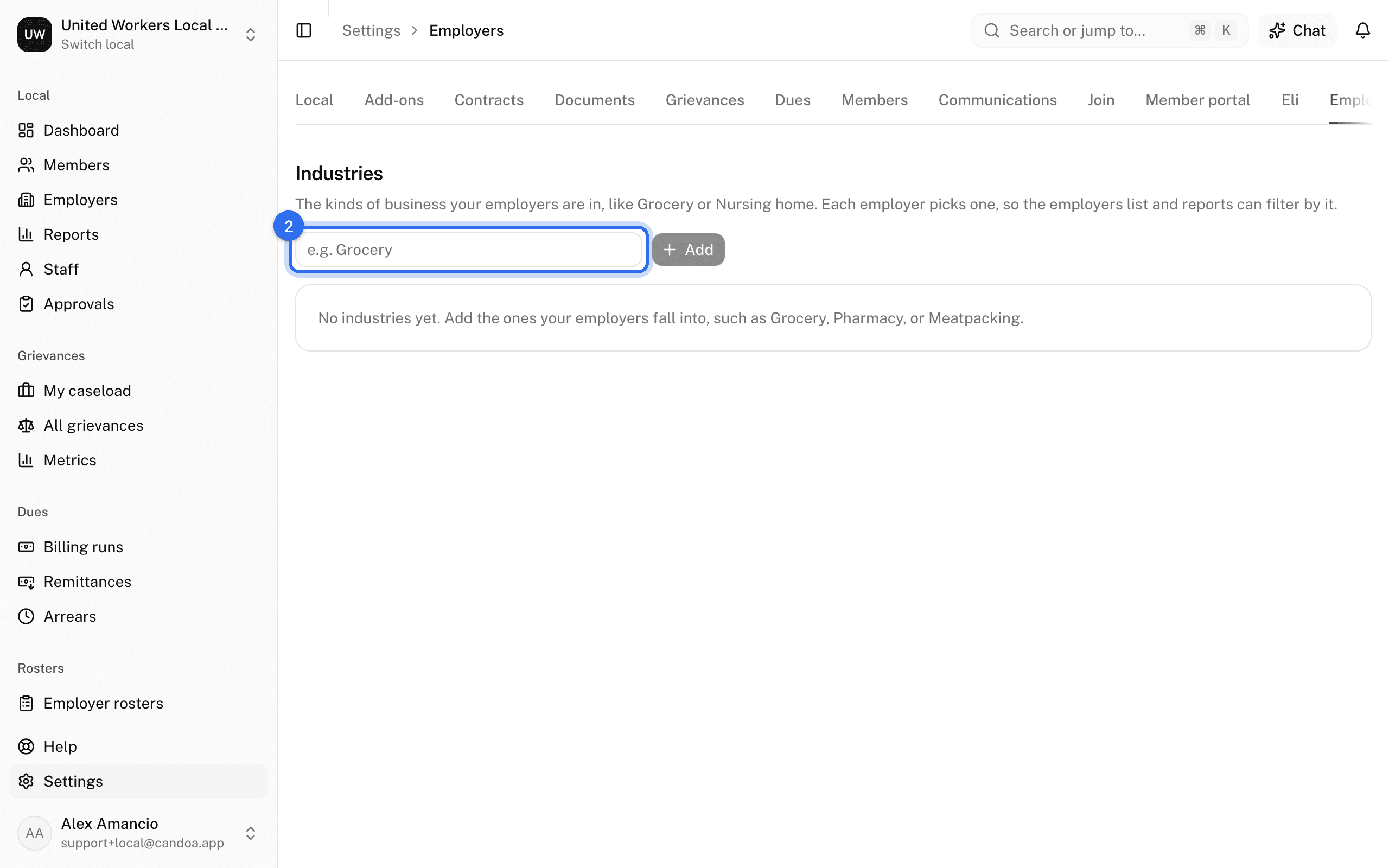
An industry is what kind of business an employer is: Grocery, Pharmacy, Meatpacking. An employer picks one on its record, and the employers list can filter and report by it.
Add an industry
- Open Settings › Employers.
- Type the name under Industry and press Add.
Retire or remove an industry
On its row, press Retire to keep it on the employers that have it while removing it from the picker; Restore brings it back. An industry with no employers can be removed with the trash button.
Employer custom fields are under Settings › Fields and tags under Settings › Tags; see Custom fields and tags.
These pages are the help for Candoa, the software a local runs its members, employers, and grievances on.
Set up your localUpdated 2026-09-15